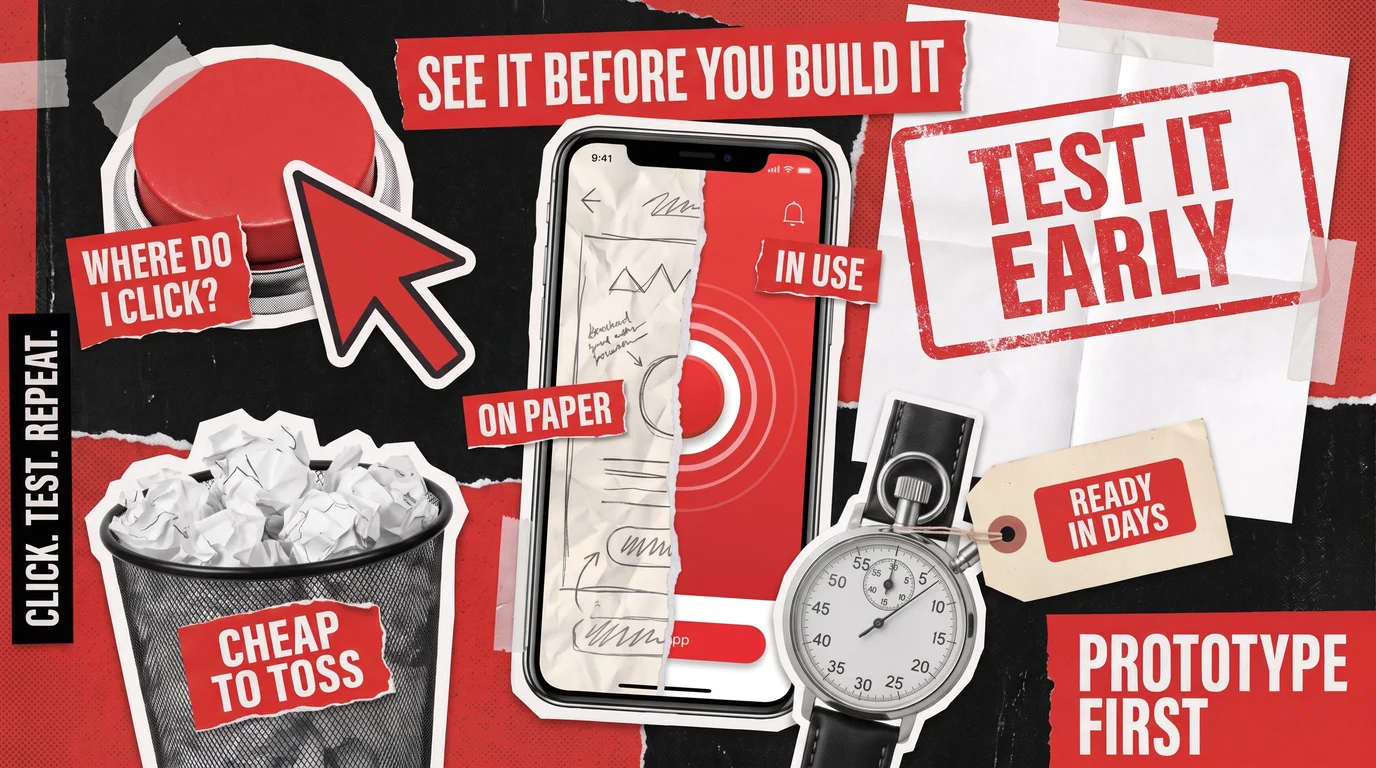
What is software prototyping, and why do teams spend time on it before writing real code? It’s the practice of building an early, simplified model of an app so that people can see, click through, and react to it. A prototype shows how the software will look, work, and feel. Its job is to collect feedback before anyone builds the finished product.
People often confuse a prototype with a proof of concept (PoC) or a minimum viable product (MVP), even though the three are built for different purposes. A PoC tests if the technology can work, an MVP shows whether customers want the product, and a prototype checks how easily people understand the design and use it. The level of detail depends on the idea, and a quick sketch on paper sometimes answers a question as well as a polished clickable demo.
Through our UI/UX design services, we usually create a prototype ahead of any coding. To help you understand why we do this, we’ll explain what software prototyping is and what forms it takes. In addition, we’ll discuss how the prototyping model works and where it fits before you commit to a full build.
What Is Software Prototyping in Practice?
A software prototype is a simulation of a future product, built for design feedback and user testing. When you open one, you’ll usually see screens, buttons, menus, and the path a user takes to finish a task, such as booking an appointment or paying an invoice. Behind the interface there’s rarely any real code, database, or security, which makes changes quick. Most prototypes never go live.
Three terms come up in almost every conversation about early design work:
- Wireframe: A simple layout of a screen that shows where text and buttons will go, with no final colors or images.
- Mockup: A static picture of a screen that looks like the finished design but usually does nothing when you click it.
- Fidelity: How closely a prototype resembles the final product. A low-fidelity version is rough, while a high-fidelity one looks and behaves almost like the real app.
The main reason to build a prototype is to lower the risk of a costly mistake. Moving a button or reordering two steps in a design tool takes minutes, while the same change after developers have built the screen means rewriting code, testing again, and sometimes reworking the data underneath. A prototype gives your users, managers, and investors a chance to spot a confusing step while fixing it is still a design task.
Types of Software Prototyping and the Question Each One Answers
To choose the right prototype, start with what you need to find out. Our article on involving end users early in software development describes this approach, which groups prototypes into three types:
- Sketches: Rough drawings on paper or a whiteboard that test the overall flow, meaning the order of screens and the paths a user can take. A sketch can be redrawn in minutes, so nobody hesitates to criticize one.
- Clickable prototypes: Linked screens that a user can tap or click through as if the app were real. They show whether people understand what they see and can find their way around.
- No-code mockups: Simple interactive versions put together with off-the-shelf tools like a website builder or an online form, used to see if users grasp the concept and find it valuable.
A no-code mockup only needs to look convincing during a test session, so it can skip the reliability required of a real product. If you’re unsure whether users will follow the idea at all, start with a sketch or a mockup. Once the concept is clear, a clickable prototype is the right tool for testing the details.
Throwaway, Evolutionary, Incremental, and Extreme Prototyping
Engineering courses and reference guides use a different set of labels, and you’ll see them in most articles on the types of software prototyping. These categories describe how a prototype is built and what happens to it after testing:
- Throwaway (rapid) prototyping: The team builds a quick model to learn what users need, then discards it and starts the real software from scratch.
- Evolutionary prototyping: One prototype keeps improving through rounds of feedback until it becomes the final product.
- Incremental prototyping: Separate prototypes cover different parts of the system and are later combined into the finished app.
- Extreme prototyping: Used mainly for web applications, this variant starts with static pages, adds working screens with simulated data, and finally builds the real services behind them.
Guides also sort prototypes by fidelity. Low-fidelity versions, such as sketches and wireframes, are quick to make and easy to change. High-fidelity versions suit detailed testing and investor demos, but they take longer to produce and revise.
Sketch
Drawings on paper or whiteboard
Does the order of steps make sense?
Low
Discarded once flow is agreed
Clickable prototype
Linked screens to tap through
Can people understand screens and navigate?
Medium to high
Becomes reference for design and development
No-code mockup
Simple version built with no-code tools
Do users understand and value the concept?
Medium
Discarded, or guides first real release
Throwaway prototype
Any quick model
What do users actually need?
Any
Discarded
Evolutionary prototype
One model improved over several rounds
Can this design grow into the product?
Rises with each round
Becomes final product
Incremental prototype
Separate models for each system part
Does each part work for users?
Varies by part
Combined into final product
Extreme prototype
Static pages, then screens with simulated data
Does the web app flow work before real services exist?
Rises by stage
Becomes final product
How Does the Prototyping Model Work in the SDLC?
The software development life cycle (SDLC) is the series of stages every project goes through, from planning to release and maintenance. Applying the prototyping model in SDLC is one way to handle the first phases. Instead of writing every requirement first and building once, the team makes a prototype, shows it to users, and repeats the cycle until everyone agrees on what the product should do.
The prototyping model SDLC teams follow usually runs through six steps:
- Gather the basic requirements. The team collects what’s already known about the target audience, their goals, and the must-have features, without trying to settle every detail.
- Make a quick design. Designers sketch the main screens and the path a user takes through them.
- Build the prototype. The sketches become something people can look at or click through.
- Collect feedback. Real users and decision-makers try the prototype and point out what confuses them or what’s missing.
- Refine and repeat. The team makes changes and runs another round of feedback, as many times as the design needs.
- Move to full development. Once the design is approved, the project continues into the regular development, testing, and release stages.
Some sources merge or split these steps, but the loop between building and feedback stays at the center. The prototyping model works best when requirements are unclear, when people will use the software every day, or when a design mistake would be costly to change after release. For a small tool with obvious screens, a single round of feedback may be enough.
This model is easy to confuse with rapid application development (RAD), which also relies on prototypes. However, the prototyping model only settles what to build, while RAD is a complete delivery method that involves users from planning through launch.
How AI Has Sped Up Software Prototyping
Until recently, a prototype took weeks of design work, but AI tools have often cut that time to days. Our article on how AI is changing the discovery phase shows how teams now hand users and investors a demo they can actually click through and test before full development starts.
Part of that speed comes from tools that turn plain-language descriptions into clickable designs. Figma Make, an AI feature inside the design platform Figma, builds an interactive prototype from a few sentences describing a screen or from an existing layout. Adoption is growing fast: according to Figma’s financial results, weekly active users of Figma Make grew more than 70% in the last three months of 2025 compared with the quarter before.
Our own design team uses AI tools too. For 1Amped, which runs a browser-based circuit simulator for e-learning, we used AI to speed up software prototyping across several interface scenarios. This approach let us drop weak ideas early and focus on the layouts that worked for users, and the project produced more than 15 high-fidelity screens.
However, faster output still needs human review. Google’s 2025 DORA report found that AI use among development professionals reached 90%, while 30% trust the results only a little or not at all. That level of trust is acceptable in software prototyping, since an early model exists to collect feedback and usually gets rebuilt or thrown away. The risk starts when AI-generated code from that stage is treated as the finished product without any checks. Software written for speed has to be rebuilt or carefully reviewed before real users depend on it, as we explain in our overview of AI in software development. If an AI-built prototype is already on its way to production, our AI development services include cleaning it up so the app can grow safely.
How Is a Prototype Different From a PoC and an MVP?
A prototype proves that the design makes sense to its future users. Everything behind the screens can be fake, because testers only need to look and click. On the other hand, a PoC proves that a risky technical idea works at all, such as connecting to an unfamiliar system or getting an AI model to give accurate answers. In most cases, users don’t see that test. We cover it in more detail in our piece on proof of concept in software development.
As for an MVP, it proves there’s real demand for the product. Unlike a prototype, an MVP is working software that people use for everyday tasks, so their behavior shows whether enough of them will pay. The full definition, along with the main kinds of MVP, is in our article on MVP in software development.
A prototype answers design questions, while technical and market risks need a PoC or an MVP:
Do users understand the flow?
Prototype
Can users find key features?
Prototype
Do labels and buttons make sense?
Prototype
Does the concept appeal to users?
No-code mockup
Can the technology handle the load?
PoC
Will it connect to existing systems?
PoC
Will customers pay for it?
MVP
Will people keep using it?
MVP
When a project needs all three, the technical test usually comes first (PoC), the design test second (prototype), and the market test last (MVP). Large projects with many connected systems are the most likely to need every stage, because a design that looks right can still clash with the tools a company already runs. A clickable model ahead of the integration work helps all departments agree on the workflow, and our enterprise software development services cover everything that follows.
How Redwerk Prototypes Before Development Starts
At Redwerk, software prototyping usually happens during discovery, when we work out what the product needs to do before anyone builds it. Our discovery phase services use early prototypes to check the main user flows and which features matter most, so decisions rest on evidence from testing.
For a product’s first release, this work is part of our MVP development services. In the Product Discovery & Prototyping stage, we spend 1 to 2 weeks running workshops, mapping user journeys, and creating clickable prototypes that real users and your decision-makers can test. You decide what the release needs to show, and the prototype tells you whether the design achieves it.
The same approach works for products that already exist. When we redesigned the mobile app of Taskly, a local services marketplace, for its launch in the United Arab Emirates, our designers first prototyped the main and secondary screens to test how people would move through them. This early model exposed navigation and usability problems before any development began. The project covered more than 130 redesigned screens.
Software prototyping protects you from building the wrong thing, since every problem it uncovers is one your developers never have to undo. Matching the prototype’s fidelity to your question keeps that step quick and affordable.
See your product before you build it: book a scoping call.
FAQ
What is software prototyping?
Software prototyping is the process of creating a clickable preview of an app or website before developers write the production code. Teams put that preview in front of real people, watch how they use it, and adjust layouts and steps until the design feels clear to them. Because almost nothing sits behind its screens, a designer can rework it quickly and at low cost.
What are the main types of software prototyping?
The main types of software prototyping are throwaway, evolutionary, incremental, and extreme, though many teams simply choose between sketches, clickable prototypes, and no-code mockups. A throwaway prototype is discarded once it has answered its question, while an evolutionary one keeps improving until it becomes the product. An incremental prototype is built in separate parts, and extreme prototyping is a three-stage method for web apps.
What is the prototyping model in SDLC?
In the software development life cycle (SDLC), the prototyping model replaces one long requirements phase with short loops: the team drafts a quick design, turns it into a prototype, gets feedback from users, and revises. Coding of the real product starts only once the design gets approval. The model works well when requirements are vague or when a confusing interface would hurt the business.
How long does it take to build a software prototype?
Prototyping time depends on fidelity and scope. Paper sketches of a few screens can be done within a day, while a clickable prototype covering several user paths usually takes from a few days to a few weeks. AI design tools now shorten the clickable stage, often to days. At Redwerk, the prototyping stage of an MVP project typically lasts 1 to 2 weeks, workshops included.
Is a prototype the same as an MVP?
No. A prototype simulates the product so people can react to its design, and it usually has no working code underneath. A minimum viable product (MVP) is a real, working first version that customers use for actual tasks, which reveals how much demand exists. Teams often build a prototype first, then use the approved design as the starting point for the MVP.
See how an iterative, user-tested build turned an anonymous web3 messenger into a product acquired within months