
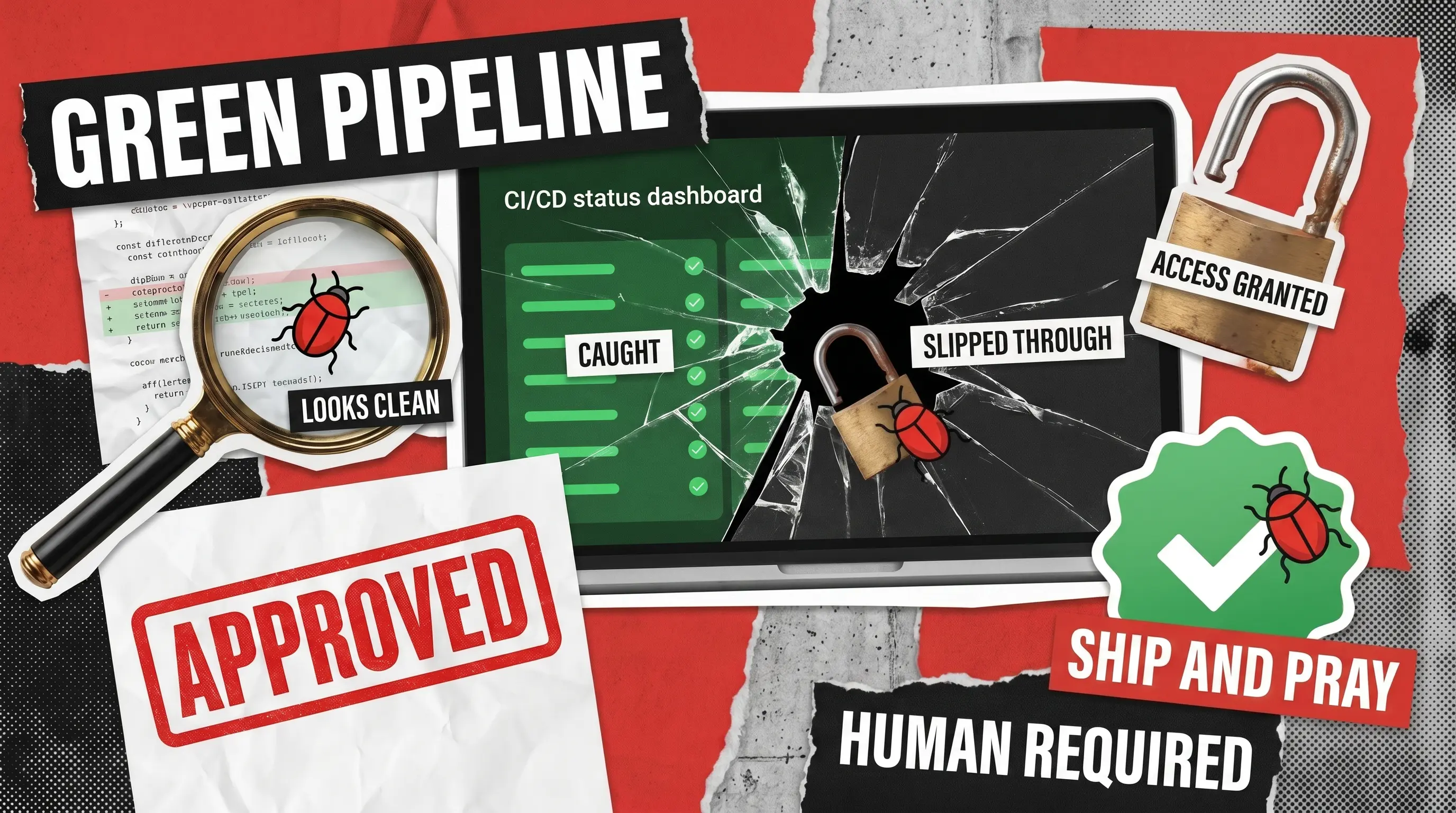
Every software development team eventually hits a breaking point where the conversation shifts to fixing the review process. Founders and CEOs notice that release speeds are crawling, bugs are slipping into production, and user complaints are piling up. Meanwhile, Chief Technology Officers and Vice Presidents of Engineering know that the underlying issue often stems from a lack of mature, automated quality gates. Both sides want the exact same outcome. They want to know how to build a CI/CD pipeline that actually works in practice.
Setting up continuous integration reviews is not simply a DevOps configuration chore. It is a critical business quality gate that decides exactly what reaches your end users. Teams that successfully catch issues early spend exponentially less time on post-release fixes than teams relying entirely on manual QA or production monitoring.
In this article, we will break down what a well-structured continuous review layer looks like. We will explore the specific types of bugs that automated checks find and, more importantly, the critical flaws they completely miss.
What Is Continuous Integration Code Review?
Most engineering teams already practice continuous integration in some form. Developers push small, frequent changes; the CI server builds the code, runs tests, and reports back. Continuous integration code review simply adds a structured review layer to that pipeline so every change is evaluated against quality, security, and architectural standards before it merges.
The point is not just to have a pipeline. The point is to make review happen automatically, consistently, and early enough that fixing issues costs pennies instead of dollars (or, in some cases, your company’s brand).
A modern CI/CD code review setup blends three layers:
- automated checks (linters, static analysis, security scanners, dependency audits) that run on every pull request
- human peer review of the diff with a clear checklist
- periodic deeper audits, ideally including third-party expert review, that look at things automation cannot see
What Automated CI Code Review Actually Catches
Let’s talk about what your best CI code review automation tools are genuinely good at. These tools have improved enormously, and a well-tuned pipeline will catch a lot before a human reviewer has to put down their coffee.
Here is the honest list of what automated continuous integration code review reliably handles.
Style, Formatting, and Obvious Code Smells
Linters and formatters (ESLint, Prettier, Black, RuboCop, golangci-lint) flag inconsistent indentation, unused variables, dead code, and stylistic violations. This sounds trivial, but consistent style reduces cognitive load for reviewers and prevents the dreaded “tabs vs spaces” pull request discussion from happening more than once per company history.
Known Security Vulnerabilities in Dependencies
Tools like Snyk, Dependabot, and GitHub Advanced Security cross-reference your package.json, pom.xml, or requirements.txt against vulnerability databases. If you are pulling in a library with a known CVE, you know within minutes. Given that breaches involving compromised credentials cost an average of $4.4 million in 2025 per IBM’s Cost of a Data Breach Report, catching a vulnerable dependency before deployment is a very good day.
Static Analysis Findings
SAST tools (SonarQube, Semgrep, CodeQL, Checkmarx) parse the abstract syntax tree of your code looking for patterns associated with bugs and vulnerabilities. They are excellent at flagging SQL injection vectors, null pointer risks, race conditions, and many of the issues on the OWASP Top 10 list.
Test Coverage and Broken Builds
If you have a test suite, CI is where it pays dividends. Coverage tools flag PRs that decrease coverage; failing tests block merges; type checkers catch contract changes. This is the baseline of any CI/CD pipeline plan, and skipping it is not optional for a serious team.
Secret Detection
Tools like Gitleaks, TruffleHog, and GitHub’s push protection can catch credentials matching known patterns (AWS keys, Stripe tokens, OAuth secrets). But GitGuardian’s State of Secrets Sprawl reported nearly 23.8 million new hardcoded secrets in public GitHub commits in 2024, which suggests these tools work but only when teams actually enable and tune them. Generic secrets (custom tokens, database connection strings, internal API keys) frequently slip past pattern matchers entirely.
So CI/CD integration for code review catches a meaningful slice of issues automatically, and any team without this layer is leaving easy wins on the table. For more on how AI is reshaping this layer, see our piece on AI-powered code reviews.
What Automated Continuous Integration Code Review Misses
Automated continuous integration reviews are pattern matchers. They are excellent at finding things that look like known bad things. They are terrible at understanding what your code is actually trying to do, whether the architecture makes sense, or whether your business logic protects revenue. Several entire categories of issues live in that gap.
Business Logic Flaws
A static analyzer cannot tell that your discount code endpoint lets users stack promos that were supposed to be mutually exclusive, or that a “first-time buyer” coupon still works on an account that’s been around for three years. The code compiles, the tests pass, and the linter is delighted, but your finance team will not be.
Authorization and Access Control Bugs
Most CI tools see syntax, not intent. They cannot easily tell that a new admin endpoint forgot its authorization decorator, or that one user can fetch another user’s invoices by tweaking a URL parameter. The 2025 OWASP Top 10 ranks Broken Access Control as the #1 web application risk for a reason. Catching it generally requires a reviewer who actually understands your permission model.
Architectural Drift and Technical Debt
Automated tools cannot tell you that the new payment service is reaching directly into the user database instead of going through the proper service boundary, or that three different parts of the codebase now implement their own retry logic with slightly different behaviors. This is the slow-accumulation kind of damage that turns a healthy codebase into a maintenance nightmare. Most teams know they have technical debt; far fewer know how much, which is why we wrote a full guide on how to measure technical debt.
Context-Specific Security Gaps
Automated scanners catch generic vulnerabilities. They do not know your domain. They will not flag that you are storing personal health information in a logging field, or that your “test mode” payment endpoint is reachable in production, or that an AI integration is silently sending customer prompts to a third-party API the team never reviewed. The last point is increasingly common, which is why we wrote about shadow AI detection as its own discipline.

How to Structure Continuous Integration Code Review
Now the useful part. Here is what a mature CI/CD code review layer looks like in practice, and how to build one without turning your pipeline into a slow, brittle mess.
The structure below is what most engineering organizations should be aiming for. It is not the fanciest possible setup but it is definitely the one that works.
Step 1: Define What “Ready to Merge” Actually Means
Before you write a single GitHub Action or Jenkinsfile, write down your merge criteria. Most teams skip this step and then wonder why their pipeline keeps shipping bugs. A reasonable baseline: all tests pass, coverage does not drop below a threshold, no high-severity SAST findings, no new dependency vulnerabilities, secret scan clean, at least one human approval. Anything stricter is a judgment call based on your risk profile.
Step 2: Layer Your Checks by Speed and Signal
Fast, cheap checks run first; slow, expensive checks run later. Linting and formatting in under 30 seconds. Unit tests and SAST in under 5 minutes. Integration tests, container scans, and license checks after that. This is what seamless CI code review automation solutions look like when you cut through the marketing: a sensible hierarchy of checks that respects developer time.
Step 3: Require Human Review on the Diff
Automation handles patterns, whereas humans handle context. SmartBear’s research has consistently shown that 80% of teams satisfied with their software quality use tool-based code review, but those tools are supporting human reviewers, not replacing them. A good rule: at least one reviewer who did not write the code, with explicit instructions to consider business logic, authorization, and architectural fit, not just syntax.
Step 4: Build Feedback Loops, not Gates
A pipeline that fails mysteriously and forces developers to guess is a pipeline that gets disabled. Every automated check should produce an actionable error message that points at the file, the line, and ideally the fix. Continuous integration code review that frustrates developers stops being continuous very quickly. If you are considering layering machine learning on top of these checks, our guide to AI DevOps automation covers where it helps in a CI/CD pipeline and where it does not.
Step 5: Measure and Tune
Track which checks catch real issues, which produce false positives, and which are ignored. A SAST rule that fires 200 times a week and never identifies a real bug is noise; turn it off or tune it. Periodic measurement is what separates best CI code review automation tools from the tools you installed once and never looked at again.
Step 6: Plan for What Automation Cannot See
This is the step most teams skip. Schedule periodic deep-dive code reviews, ideally with engineers who did not write the code, looking specifically for the categories automated review misses: business logic, architecture, security context, and operational risk. For software handling money, health data, or sensitive user information, this is not optional. If you do not have the internal capacity, that is exactly where an external partner adds disproportionate value.
Continuous Code Review Best Practices
Once the pipeline runs, the practices around it determine whether it stays useful or becomes the thing everyone routes around. A few rules separate teams that ship safely from teams that ship and pray.
- Keep pull requests small. A 50-line pull request gets a real review. A 5,000-line pull request gets a thumbs-up. Limit changes to one logical unit per PR: a feature, a fix, or a refactor. Big changes get broken into a sequence of small ones.
- Review the diff, not the description. Senior reviewers read what changed, not what the author said changed. The two often disagree.
- Define what blocks a merge. Write it down. “Security finding above medium severity blocks merge.” “Test coverage drop blocks merge.” “Two approvals required on /payments/.” When the rules are explicit, reviewers stop arguing about whether a change deserves to merge and start checking whether it meets the criteria.
- Rotate reviewers. When the same person reviews everything, two things happen: they burn out, and everyone else stops learning the codebase. Rotate ownership and pair junior engineers with seniors on tricky changes.
- Treat review feedback as part of the product. A pull request blocked for a real reason is the system working. The author shouldn’t take it personally, and the reviewer shouldn’t soften the feedback to the point of uselessness. Direct, specific, and kind is the target.
- Measure what matters. Time from PR opened to merged. Defects escaping to production. Coverage trend. Mean time to revert. If you can’t see the trend, you can’t improve it. The DORA State of DevOps research consistently shows that teams with shorter review cycles and tighter feedback loops outperform on every reliability metric.
- Audit your AI-generated code separately. If your team is shipping AI-assisted code, your review process needs to account for it. AI-aware review catches a different class of bugs and is now a baseline practice. The same principles apply to detecting and managing shadow AI usage inside your team’s tooling.
When to Bring in External Code Review
A reasonable internal review process catches most everyday issues. External review exists for what your team cannot see, either because they wrote the code or because they have never seen the patterns that cause specific kinds of damage.
The clear triggers for external review include the following:
- preparing for due diligence (investors will absolutely run their own audit)
- entering regulated industries like fintech or healthcare
- migrating between architectures
- integrating with payment providers or sensitive APIs
- noticing that incidents keep happening despite a green pipeline
A third-party software development audit brings senior engineers who haven’t been inside your assumptions. They read the code without context, which is exactly what an investor’s or acquirer’s engineering team will do. The findings are usually a mix: confirmation that the obvious parts are solid, plus a list of specific issues the internal team had stopped seeing.
That was the Adoorabelle pattern. The team had a working product and a working pipeline. Our review surfaced what they couldn’t see from the inside, including the credentials issue, the AWS overspend, an 80-item prioritized backlog, and the documentation gaps that would have made the next due diligence painful.
If you want a second set of eyes on what your pipeline is actually catching, our team runs ongoing reviews specifically designed to plug the gaps the automated tooling leaves. If that sounds like what your team needs, get in touch and we’ll scope a review around your stack, your risk profile, and your timeline.
Grab your free software development audit sample

