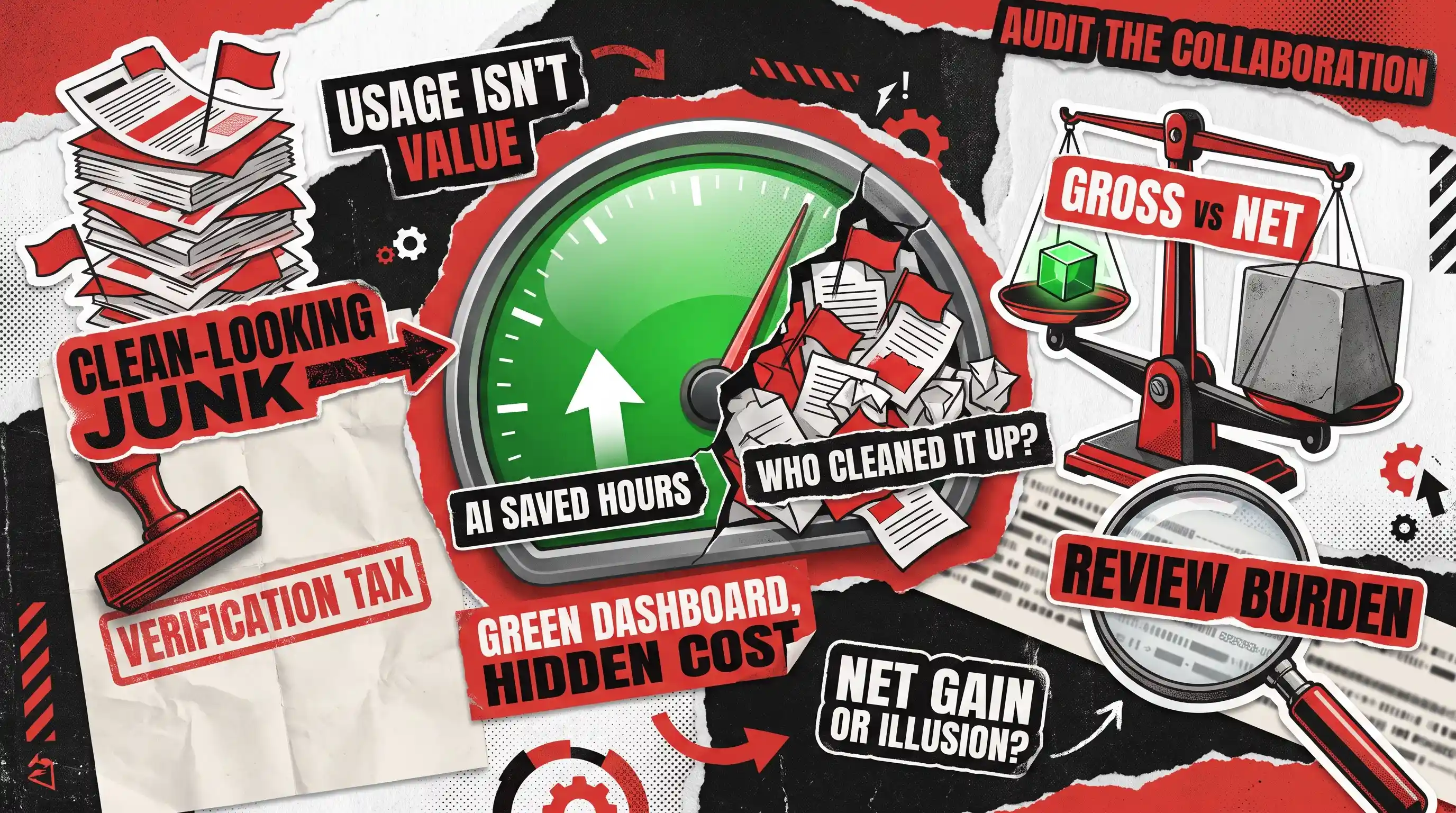
Your AI dashboard is showing green and your team insists they’re moving faster. However, deep in the review queue, senior engineers are quietly drowning in clean-looking junk code. Here’s the catch: AI usage isn’t the same as AI value.
Most metrics celebrate how fast a model generates work, completely ignoring the painful hours humans spend cleaning it up. But tracking tool adoption won’t tell you if what you ship is actually any good. What matters is your AI-human collaboration quality that spans the full journey from first prompt to final commit. An AI-human collaboration audit uncovers what’s really happening across that entire pipeline, which is exactly what our software development audit is built to do.
This piece cuts through the hype to focus on the human side: how your team reviews, corrects, and builds alongside AI. We’re not looking at model math or compliance algorithms here; that side belongs to a broader AI audit. We’re answering the single most critical question for engineering leaders today: is pairing your developers with AI creating better software, or just generating more noise?
Let’s look at how to audit your real AI-human collaboration quality so you can boost true output without burning out your best people.
What an AI-Human Collaboration Audit Measures
An AI-human collaboration audit is a structured evaluation of whether people and AI produce better final outcomes together than the workflow managed before, once review, correction, rework, handoffs, and downstream effects are all counted. It looks at the human-AI collaboration as a whole, how humans and AI perform as a pair, rather than testing the model on its own or counting who logged into which tool.
Keeping that boundary clean matters, because a lot of what people picture when they hear “AI audit” is really system-level work rather than collaboration measurement. The table below shows what lives here and what belongs to that broader review.
Human review and correction burden
Model benchmark performance
Correction and discard rates
Training-data quality
Handoff effectiveness
Bias and fairness testing
Trust calibration
AI security testing
Comprehension and ownership
Regulatory compliance
Team delivery outcomes
Model drift and system architecture
If you also need to evaluate the model, the data, the architecture, and the security behind the tool, that work belongs to the separate AI system audit checklist.
To audit AI-human collaboration quality, compare AI-assisted work against a meaningful baseline across final outcome quality, total human effort, review and correction burden, downstream rework, trust calibration, and team comprehension. Use workflow records and sampled outputs rather than usage counts or self-reported time savings. The point is to learn whether the combined human-AI process delivers better final work with less total effort at a level of risk you can live with.
The single most important idea in the whole exercise is the gap between gross gain and net gain. Gross gain is the improvement at the exact moment AI is used, the first draft that appears in seconds or the function that writes itself. Net gain is what survives after review, correction, coordination, escalation, and downstream rework have all taken their cut. A tool can make one step of a task far faster while making the complete workflow slower, and a usage dashboard will happily celebrate the first without ever noticing the second.
Put simply, net collaboration value is the quality you gain plus the capacity you genuinely free up, minus the review effort, the correction effort, the downstream rework, the coordination cost, and the understanding your team quietly loses along the way. Everything that follows is a way to put numbers against the pieces of that sentence.
Why AI Usage Metrics Don't Equal Value
Active users, prompt counts, generated artifacts, and acceptance rates all measure exposure. They tell you people are reaching for the tool, not whether the work got better, and treating them as if they do is how teams end up confidently investing in a workflow that’s quietly costing them.
Take acceptance rate, the metric that looks most like proof of value. A high acceptance rate can mean the AI is genuinely useful. It can also mean people are over-relying on it, that review has become a rubber stamp, that the work is low-stakes, or that reviewers simply can’t spot the errors. The same number points in five different directions, so on its own it settles nothing.
The deeper problem is that speed at one stage often creates work at another. Google’s DORA research into AI-assisted software delivery reports that around 90% of technology professionals now use AI at work, and that adoption correlates with higher delivery throughput while still dragging on delivery stability. It describes AI as an amplifier that magnifies whatever strengths and dysfunctions an organization already has, and its researchers note that the time saved in creation is frequently reallocated to auditing and verification. The work doesn’t vanish but rather moves toward whoever reviews and integrates what the AI produced.
Meanwhile, self-reported time savings deserve particular suspicion, because people are demonstrably bad at estimating them. A widely discussed 2025 experiment by METR had experienced open-source developers work with and without AI, and the developers using AI took measurably longer while believing the tool had sped them up. In its 2026 follow-up, METR concluded that the effect had likely shifted in AI’s favor but that selection effects made the size impossible to pin down reliably. The lasting lesson isn’t a single productivity figure but a warning that perceived speed and measured speed can point in opposite directions. Therefore, an audit that runs on self-report alone is measuring feelings, not work.
Finally, one organization-wide average tends to hide more than it reveals. AI often helps routine tasks while struggling with ambiguous ones, and it frequently helps newer employees more than seasoned experts. If you report a single number, you’ll miss all of that. Every metric in this framework should be broken out by task type, task risk, team, role, experience level, and the specific tool or workflow in play.
The Six Signals of Real Collaboration Value
You don’t need twenty metrics to measure human AI collaboration quality. Instead, you need a handful that map to real decisions, each one segmented so you can see where value appears and where it leaks away. The six signals listed below cover the ground that usage dashboards miss and answer real questions a leader actually cares about.
Final Outcome Quality
The first question isn’t whether AI was used but whether the finished work came out better. A stable, task-specific rubric lets you compare AI-assisted output against a baseline on the things that matter for that work. Those things could include functional completeness and test adequacy in engineering, resolution accuracy and repeat-contact rate in support, or factual accuracy and publication readiness in content.
Two metrics do a lot of work here:
- First-pass usable rate is how often AI output gets approved without needing meaningful changes. Decide up front what “meaningful” means, so that fixing a typo doesn’t count the same as rewriting the logic.
- Decision reversal rate is how often an approved AI-assisted decision later gets overturned. It’s especially revealing for approvals, risk classifications, and recommendations.
Neither has a universal “good” value. You read them against the previous human-only process, a comparable team, or the risk of the task, not against a number someone posted online.
Review and Correction Burden
This is the signal most dashboards ignore entirely, and it’s usually where the hidden costs live. The review burden ratio is how much of a person’s time on an AI-assisted task goes into checking and fixing the output instead of creating it. As AI takes over more of the creation, that ratio climbs, which isn’t automatically bad. For a high-stakes task, heavy review is exactly right. The warning sign is a rising review ratio with no matching gain in quality, throughput, or risk reduction, because that means effort moved without value following it.
Alongside it, track the material correction rate, meaning how often outputs need real changes before they’re usable, and classify what kind of correction each one needed:
- Factual errors
- Logical or functional errors
- Contextual or business-fit errors
- Tone or policy errors
- Security errors
- Integration errors
- Missing information the AI left out
That breakdown produces far better recommendations than one blended correction percentage, because “the AI keeps missing business context” and “the AI keeps introducing security errors” call for completely different responses. The gap between the time AI seems to save while producing the work and the time you actually save once review and fixes are counted is the number worth naming out loud. Call it the verification tax, and report it every time someone claims AI saved the team hours.
Downstream Rework and Workload Transfer
Work that looks finished at approval can reappear later as a problem, and AI-generated volume is especially prone to it. The downstream rework rate is how often already-approved work has to be reopened and redone later, within a time window that fits the workflow. That window might be before release, before customer acceptance, or within the next cycle. The reopen rate captures items bounced back to an earlier stage: pull requests returned after review, tickets reopened, documents sent back by legal.
Two patterns are worth watching closely:
- Error propagation depth measures how many stages a bad output travels before someone catches it. The cost rises sharply the further it goes: an error the creator catches is cheap, while one the customer catches is expensive and public.
- Workload transfer measures whether the effort simply moved onto senior reviewers, QA, or support rather than disappearing. A team-level “win” is questionable when junior output climbs but a senior reviewer becomes the new bottleneck.
These are exactly the failure points behind so many human handoffs in AI-agent workflows, where missing escalation triggers and incomplete context transfer turn a promising rollout into a queue of rework.
Trust Calibration
The goal here isn’t maximum trust but correct trust. Microsoft frames appropriate reliance as accepting AI output when it’s right and rejecting it when it’s wrong, and both failure directions cost you. Over-reliance means people accept incorrect output; under-reliance means they redo correct output by hand while still paying for the tool.
Human accepts
Correct reliance
Over-reliance
Human rejects
Under-reliance
Correct rejection
You can measure this without benchmarking the whole model, using a sample of outputs you’ve labeled as good or bad and watching how people behave around them. Report the two error types separately, because a team that’s confidently wrong needs a very different intervention from a team that distrusts everything. It also helps to compare how confident people feel about an AI-assisted result with how good that result independently turns out to be, since a large gap between confidence and quality is its own kind of risk.
Comprehension and Ownership
AI can hand a team acceptable output while quietly eroding their grip on it: why the result is right, what it assumes, how to change it, and who owns it after approval. Call this comprehension debt. It’s related to technical debt but distinct, because it lives in people rather than code.
A few checks surface it well:
- The explain-back check asks the person responsible for an AI-assisted output to walk through its intended result, key assumptions, and likely failure conditions. That quickly reveals whether they own the work or merely approved it.
- The independent-modification check asks whether another qualified team member can extend or fix the work without regenerating it from scratch.
- Handoff comprehension time measures how long the next person needs to safely pick the work up. If every handoff slows down, the initial speed was an illusion.
Note that the code-and-process side of this, things like churn and cycle time, belongs to a different framework; those technical debt metrics measure the codebase, while this signal measures whether your people still understand and own what they ship.
Team and Delivery Outcomes
The final test is whether local wins survive at the team level. The rule here is simple: never publish a speed number without its quality counterweight beside it.
More tasks completed
Return or rework rate
Faster response time
Resolution accuracy
More pull requests
Review burden and release stability
More drafts produced
Publication-ready rate
Faster approvals
Exception or incident rate
Then ask what the freed-up time actually bought. Hours saved aren’t business value until they turn into more customer conversations, more testing, a shorter backlog, or better documentation. And check who’s benefiting, because gains concentrated among new hires point to a training opportunity, while gains only on routine tasks tell you exactly which work to keep AI on and which to keep human.
How to Run the Audit
A framework is only useful if a real team can actually run it. The method below is built to be run by an internal team using evidence most organizations already have.
- Define one workflow, not “AI usage” in general. Start with one to three workflows that genuinely matter, and map each one end to end: where it starts and finishes, who’s involved, where AI contributes, where the review and escalation points are, and what an error costs. This is also where task suitability gets decided, because the same instinct behind separating repeatable work from judgment-based work tells you which parts of a workflow AI should own and which should stay firmly human.
- Establish a credible baseline. You can compare the same workflow before and after adoption, compare similar teams with different adoption levels, compare matched tasks done with and without AI, run AI in shadow mode alongside the human process, or track one team over several months. Each design has a weakness, so combine at least two rather than claiming any single one proves cause and effect.
- Capture what happens at each handoff, using data you already have. You rarely need a new platform. Version history, pull-request comments, document revisions, CRM and support records, QA results, work-item transitions, and AI interaction logs already capture most of what you need. You can use this data to reconstruct what happened, what was accepted, what was edited, how long review took, and what the final outcome was. Raw prompts aren’t always necessary because workflow metadata and sampled outputs are often enough in sensitive settings.
- Sample instead of measuring everything. A practical audit inspects a representative sample, segmented by task, risk, role, experience, and outcome, and deliberately including both routine cases and the messy edge cases where collaboration tends to break.
- Cross-check three kinds of evidence. Behavioral evidence tells you what happened in the workflow, outcome evidence tells you whether the final work succeeded, and human evidence tells you why people accepted, corrected, or avoided the AI. A survey alone measures perception, logs alone miss motivation and invisible work, and output review alone misses coordination cost. You need all three because each one covers for the others’ blind spots.
Once the evidence is in, resist the urge to read metrics one at a time. The signal is in the combinations.
High usage with high correction
Adoption without dependable value
Faster generation with slower review
Productivity transferred to reviewers
High acceptance with errors still escaping
Over-reliance or shallow review
Low acceptance with strong AI output
Under-use or poor trust
More output with more reopened work
Output inflation, not real gain
Faster individuals with unchanged delivery
Local gains absorbed by the system
Quick early speed with weak explain-back
Growing comprehension debt
Fewer escalations with more reversals
Human oversight may be failing
What Good Collaboration Actually Looks Like
The obvious targets are the wrong ones. Good human-AI collaboration isn’t maximum usage, minimum human involvement, or the highest possible acceptance rate. A healthy workflow tends to show:
- Equal or better final quality
- A positive net time gain once review is counted
- Less avoidable rework
- Review effort matched to the risk of the task
- Correct output accepted and incorrect output caught
- Clean handoffs with clear ownership
- Improvements that hold up downstream rather than evaporating at the next stage
The aim is putting the right work in the right hands, not automating for its own sake. A good audit turns that into a decision: expand a workflow where the pairing clearly wins, redesign it where the handoffs leak value, restrict it where AI is being trusted beyond its range, or retire it where the honest accounting shows more cost than benefit.
There’s a bigger payoff, too. Because AI amplifies whatever a team already does, auditing the collaboration around it doubles as a stress test for the organization itself: what looks like an AI problem is often a review, ownership, or handoff problem that was there all along.
That’s the work a Redwerk AI audit is built to do, looking past the tools a team uses to how work actually moves from idea to approval to delivery. If your dashboards look healthy but your team’s experience says otherwise, that’s the disconnect worth investigating. Give us a call, and we’ll help you find where your AI is genuinely helping and where it’s only moving the work around. And where the audit shows a workflow needs rebuilding rather than just tighter oversight, our AI development team can take it from there.
FAQ
What is human-AI collaboration?
Human-AI collaboration is any workflow where a person and an AI tool share the work, with the AI drafting, suggesting, or automating part of a task while a human directs, reviews, and approves the result. Everyday examples include a developer working alongside a coding assistant, a support agent drafting replies with AI, or an analyst using AI to summarize documents before checking them. This article is about measuring whether that collaboration genuinely improves the finished work.
Should we track AI usage for each employee?
Analyze at the team and workflow level rather than turning prompt counts into individual performance scores. Per-person data can be useful for training and research when it’s transparent and consented to, but usage is an input, not a measure of value, and treating it as a scorecard tends to drive gaming rather than better work.
Who should run an AI-human collaboration audit?
An internal team can run it using the data they already have, which keeps it fast and inexpensive. An independent reviewer carries more weight when the results feed a budget decision or a tool renewal, since no one can accuse them of bias. For a high-stakes call, a mix works well: the internal team gathers the evidence, and an outside party pressure-tests the conclusions.
How long does the audit take, and how often should we repeat it?
A focused look at one or two workflows is a matter of weeks rather than months, while a broad review across many teams takes longer. Because AI tools and team habits keep shifting, treat it as a periodic health check rather than a one-off, and re-run it whenever you change tools, retrain the team, or notice the delivery numbers drifting.
How is this different from a developer productivity tool?
Most productivity platforms count activity, things like commits, pull requests, active users, and accepted suggestions. This audit deliberately measures the other end of the workflow: the review, correction, rework, and comprehension that decide whether all that activity became better final work. The two can sit side by side, but a dashboard full of green activity metrics is exactly the situation this audit exists to double-check.
Does strong model performance mean strong collaboration?
No, and that gap is the whole reason this is a separate audit. A highly capable model can still sit inside a workflow that ships worse final work when review is shallow, handoffs are messy, or no one owns the output, while a modest model paired with good review and clear ownership can outperform it. Whether the model itself is accurate, secure, and compliant is a separate technical question, handled by a broader, system-level AI audit and a separate audit checklist.
See how we conducted an audit on a network mapping app, checking codebase health and security