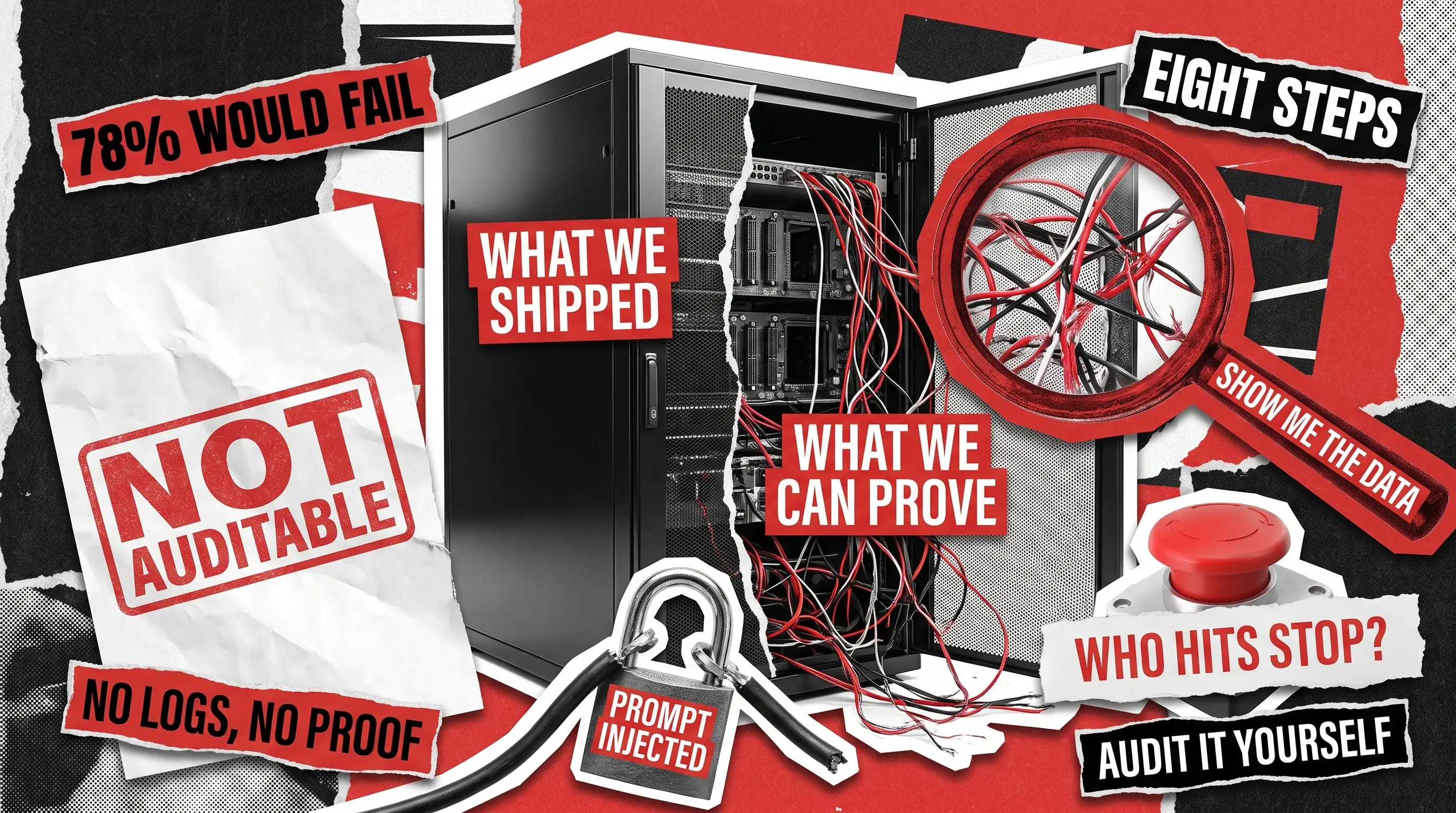
Seventy-eight percent of business executives lack strong confidence that they could pass an independent AI governance audit within 90 days. That figure comes from Grant Thornton’s 2026 AI Impact Survey of 950 business leaders, and it is a diplomatic way of saying most companies have shipped AI they cannot fully explain.
An AI audit is a structured review of an AI system’s data, model, security, oversight, and documentation against a defined standard. To audit an AI system, work through eight steps in order: scope the system, trace the data, validate performance, test for bias, probe security, check human oversight, verify monitoring, and assemble the evidence pack.
Each of the eight steps below comes with the specific checks to run, the actions you can hand to a team, and the warning sign that tells you the step has failed. If you want the broader background on audit types and who needs one, our guide on what an AI audit is covers that ground, and our software development audit service page explains how an outside team runs one.
What the AI Audit Checklist Covers
The eight steps below move from paperwork to production, which is deliberate. Every later step depends on the scoping work in the first one, so running them out of order means auditing a system you have not defined yet. The effort column assumes a single mid-sized production system with one or two models and a team that can answer questions within a day.
1
Scope and Model Card
Inventory, owner, purpose, risk tier
Nobody can name the system owner
2 to 3 days
2
Data Origins
Sources, rights, consent, quality
“It came from the data lake”
3 to 5 days
3
Performance Validation
Accuracy on your data, not the vendor’s
Only demo-condition metrics exist
3 to 5 days
4
Bias Testing
Outcome gaps across affected groups
No group breakdown was ever run
4 to 6 days
5
Security Probing
Prompt injection, data leakage, access
The model can reach tools it should not
4 to 6 days
6
Human Oversight
Who reviews, who can stop it
A stop button nobody has tested
2 to 3 days
7
Monitoring and Logging
Drift alerts, retained logs, traceability
Logs exist for 7 days, regulators want 180
3 to 4 days
8
Evidence Pack
Documentation mapped to frameworks
A slide deck instead of records
2 to 3 days
Budget three to four weeks for a first pass, and less for repeat cycles once the evidence pipeline exists. The risk of skipping the whole exercise is measurable: IBM’s 2026 study of 2,000 technology executives found that organizations with embedded controls experience 25% fewer incidents than those relying on manual governance.
Step 1: Scope the System and Write a Model Card
You cannot audit “our AI.” You audit one specific system, with a version number, a named owner, and a written purpose. Start with a model card, which is a one-page fact sheet covering what the system does, what it should never be used for, who owns it, and how risky its decisions are. The European Data Protection Board’s AI auditing checklist opens with this exact artifact, then adds a system map showing where the model sits in the decision flow and which people touch its output.
Expect this step to surface systems nobody told you about. An IBM Institute for Business Value study of 2,000 technology executives found that 70% say teams across the business are deploying technology faster than IT can track.
System Inventory:
- List every AI system in use, including tools bought on a team credit card
- Record the version number and the date it last changed
- Name one accountable owner per system, a person rather than a department
The Model Card:
- Write the system’s intended purpose in one plain sentence
- Document what it must not be used for, and why
- Note which model or vendor sits underneath, and which version
System Map:
- Draw where the AI output enters a real decision and who acts on it
- Mark every point where a person can review, edit, or override the result
Red flag: the system’s purpose changes depending on who you ask.
Step 2: Trace Where the Data Came From and Whether You Can Use It
Every dataset that trained, tuned, or feeds the model needs a traceable origin, a documented legal basis, and a quality check. Ask where the data came from, who collected it, under what consent or license, and when it was last refreshed. Then verify a sample yourself rather than accepting the summary, because this is where most audits find their first real problem.
The market already knows it. In Deloitte’s State of AI in the Enterprise, data privacy and security is the top AI risk concern at 73%, ahead of legal, intellectual property, and regulatory compliance at 50%.
Data Origins:
- Trace each dataset back to the organization that originally collected it
- Verify the license or consent that permits your specific use
- Flag any scraped or purchased data with unclear rights
Personal Data:
- Identify any personal information sitting in training sets, prompts, or search indexes
- Confirm you have a lawful basis to hold each category of it
- Check whether deletion requests actually reach the AI system
Data Quality:
- Review how the data was cleaned and who decided what to remove
- Check the refresh date, and whether stale data is quietly still in use
Red flag: the answer to “where did this data come from” is a storage location rather than a source.
Step 3: Test the Model on Your Own Data, Not the Vendor's Demo
Vendor benchmarks measure the vendor’s conditions. Your audit measures yours. Build a test set from real examples the model has never seen, run the model against it, and record how often it gets things right and how it fails when it gets things wrong.
For chat and content systems, a single accuracy score tells you almost nothing. Score outputs against a rubric instead, covering whether the facts are correct, whether it followed instructions, whether it refused things it should refuse, and whether the format held. Teams building custom AI and machine learning systems should already have this test harness, and its absence is a finding on its own.
Test Set:
- Assemble real examples the model has never seen, drawn from live traffic
- Include the hard cases, not only the ones that demo well
- Keep the set separate so it never leaks back into training
Performance Measurement:
- Record how often the system is right, and how often it is confidently wrong
- Run each test more than once, since answers vary between runs
- Break results down by customer segment, not just the overall average
Failure Review:
- Read a sample of wrong answers and group them by cause
- Check whether the worst failures cluster in your highest-value use case
Red flag: the only performance evidence is a slide from the procurement process.
Step 4: Test for Bias Across the Groups Your System Affects
Bias testing is a set of measurements, not a philosophical debate. Decide which groups your system’s decisions affect, decide what a harmful outcome looks like for each, then compare how often that outcome happens across those groups using the test set from the previous step. If the gap is meaningful, you record the size of the gap rather than a general impression.
The European Data Protection Board’s audit methodology adds a useful discipline here. Find the bias moments first, meaning the specific points where skew can enter, such as who ended up in the data, how the labels were written, which features the model uses, and where the cut-off threshold was set. Then test each of those points separately.
Group Definition:
- List the groups your system’s decisions actually affect
- Define what a bad outcome looks like for each group, in plain terms
Outcome Comparison:
- Measure how often each group receives the unfavorable result
- Compare accuracy per group, not only the combined figure
- Record the size of any gap and who signed off on accepting it
Bias Moments:
- Check who is over- or under-represented in the training data
- Review how the labels were created and by whom
- Examine where thresholds were set and whether they were tuned for one group
Red flag: the team argues the system cannot be biased because it never sees race, gender, or age. Ordinary fields stand in for those, so a postcode, a school name, or a job history can carry the same signal and produce the same skewed result.
Step 5: Probe Security, Starting With Prompt Injection
AI systems inherit every classic application vulnerability and add a few of their own. Prompt injection sits at the top of the OWASP Top 10 for LLM Applications as LLM01, and it works in two ways. Direct injection is a user typing instructions that hijack the system. Indirect injection is hidden instructions arriving inside a document, web page, or email that the model reads and obeys.
The part that turns a bad answer into a real incident is what the model can reach. Our QA team at QAwerk maintains a pre-launch prompt injection testing checklist with the specific test cases to run before release, and anyone shipping an LLM-powered product should be able to show you results from it rather than intentions.
Injection Testing:
- Attempt to override the system prompt directly, as a hostile user would
- Plant hidden instructions inside a document or web page the system reads
- Test whether the system leaks its own instructions when asked cleverly
Access and Permissions:
- List every tool, database, and API the model can call
- Confirm the model’s permissions are no broader than the user talking to it
- Require human approval before any action that spends money or sends messages
Data Leakage:
- Check whether the system can reveal another customer’s data
- Verify that filtering runs on outputs, not only on inputs
Red flag: the model has API credentials with broader permissions than the user talking to it.
Step 6: Check Who Is Watching and Who Can Switch It Off
Oversight fails in a predictable way. A person is nominally in the loop but has neither the time nor the authority to disagree with the model, so review becomes a formality. Your audit needs to test whether the reviewer can realistically evaluate the output, how often they actually override it, and what happens when they do.
Article 26 of the EU AI Act requires deployers of high-risk systems to assign oversight to people with “the necessary competence, training and authority.” Competence and authority are the parts that get skipped. Grant Thornton found that just 20% of organizations have a tested AI incident response plan, so ask when the stop procedure was last rehearsed.
Reviewer Capability:
- Confirm the reviewer has enough time and context to judge each output
- Check they have the authority to overrule the system without escalating
- Measure the override rate over the last quarter
Stop Authority:
- Identify who can switch the system off, by name and by role
- Verify a rollback path exists and does not require the original developer
- Confirm the stop procedure has been rehearsed, not merely written down
Escalation:
- Review how a bad output gets reported and who receives that report
- Check that incidents are logged somewhere leadership actually reads
Our guide to enterprise AI agent governance covers this supervision architecture in depth, including why a rollback plan belongs at the launch gate rather than at the incident.
Red flag: the override rate is zero, which usually means review is a rubber stamp.
Step 7: Verify Monitoring, Drift Alerts, and Log Retention
A model that passed every test in March can quietly degrade by September as the real world shifts underneath it. Check that someone is watching production, that alerts have thresholds rather than dashboards nobody opens, and that a named person receives them. Then check the logs, because logging determines whether your next audit is possible at all.
Article 12 of the EU AI Act requires high-risk systems to automatically record events across the system’s lifetime, and Article 26 requires deployers to keep those logs for at least six months. Researchers at Brown University make the sharper point in their work on LLM audit trails: without tamper-resistant records, organizations cannot reconstruct which model version was running, which data influenced it, or who approved the change.
Production Monitoring:
- Confirm someone tracks whether incoming requests still resemble what the model was built for
- Watch answer quality, error rates, and speed, not just uptime
- Track a business outcome metric alongside the technical ones
Alerting:
- Verify alerts have defined thresholds and a named recipient
- Check the last three alerts and what action followed each one
Log Retention:
- Record what is logged: inputs, outputs, model version, prompt version, and who changed what
- Confirm retention meets your longest applicable requirement, not the platform default
- Verify logs cannot be silently edited after the fact
You cannot backfill a log you never captured, so treat gaps here as urgent rather than administrative. Our article on auditing AI and human collaboration goes deeper on capturing the human side of that record.
Red flag: log retention is set to the platform default and nobody has checked what that default is.
Step 8: Assemble the Evidence Pack
The final step turns seven steps of work into something an outside party can verify. Collect every artifact you produced into one indexed package, then map each one to the frameworks you are accountable to, whether that is the EU AI Act, ISO/IEC 42001, SOC 2, or the NIST AI Risk Management Framework and its Govern, Map, Measure, and Manage functions. An auditor should be able to open the pack and follow any claim back to the record that supports it.
Keep this step to documentation and traceability. Deciding which frameworks apply to your business is a separate exercise, and one worth finishing before the audit starts.
Evidence Collection:
- Gather the model card, system map, data records, and all test results in one place
- Include log samples showing the system records what you claim it records
- Date and version every artifact so a reviewer can tell what was current
Framework Mapping:
- Map each artifact to the specific requirement it satisfies
- Mark requirements with no supporting evidence as open gaps
Findings Report:
- Write findings with a severity rating and a named owner for each
- Use the same defect format your engineering team already works from
- Set a re-check date for every finding you agreed to accept
Our SDLC audit checklist applies the same discipline to the wider development process.
Red flag: the deliverable is a presentation rather than a set of records.
When This Checklist Is Too Much
Running all eight steps on a system that has been live for two weeks and only serves internal staff is usually a poor use of a month. Match the depth to the exposure. A summarization tool for the marketing team realistically needs three things: a model card naming its owner and purpose, a check on what data it touches and whether you may use it, and a security probe covering prompt injection and what the tool can reach. A credit decisioning model needs all eight steps, twice a year, reviewed by someone independent of the team that built it.
The checklist also assumes you can see inside the system. When you are auditing a closed vendor model, three steps change shape. Performance testing, bias testing, and security probing all move from inspecting the model to testing its behavior from the outside and reading the vendor’s contractual commitments. That is still a legitimate audit, it simply needs to be labeled honestly in the report so nobody mistakes an attestation for a measurement.
Finally, an audit is a snapshot of one date. That is why the monitoring and logging step carries more weight than it first appears, since continuous monitoring is what keeps the findings alive between formal reviews.

Why Redwerk Is a Sensible Partner for This
We have been building custom software from the ground up since 2005, which means we audit the way engineers audit, by checking the places where these systems actually break rather than working down a generic list. Because we support clients across every stage of the SDLC, we can review every stage of it too, identify the gaps, and recommend fixes scoped to the team that has to implement them.
Regulated environments are familiar territory. We built the YouTown civic app that earned White House recognition, upgraded the EUGI e-voting platform for the European Parliament, and shipped a welfare delivery SaaS now adopted by more than ten US counties and states. On the AI side, we have helped build, scale, and maintain production systems including Recruit Media and Evolv.
If you would rather hand this checklist to a team that has run it before, get in touch and we will scope an audit against the systems you actually have in production.
FAQ
How do you audit an AI system?
Audit an AI system in eight steps: scope the system and write a model card, trace where the data came from and whether you can use it, test the model on your own data, test for bias across affected groups, probe security including prompt injection, check human oversight and stop authority, verify monitoring and log retention, then assemble an evidence pack mapped to your applicable frameworks.
What should an AI audit checklist include?
At minimum: system inventory and ownership, data origins and legal basis, performance testing on real examples the model has never seen, bias testing with documented group comparisons, security testing against the OWASP Top 10 for LLM Applications, human oversight with a rehearsed stop procedure, drift monitoring, log retention meeting your regulatory minimum, and documentation mapped to a named framework.
What do you need to gather before starting an AI audit?
Collect five things before day one: a list of every AI system in use with a named owner, the data sources behind each one, any vendor documentation and contracts, existing test results or benchmarks, and access to production logs. Missing items are not blockers, they are your first findings.
Can you audit an AI system you did not build?
Yes, and most audits are exactly that. For closed vendor models you test behavior from the outside, review the vendor’s documentation and contractual commitments, and audit your own integration, data handling, and oversight in full. The report should state clearly which findings you observed and which the vendor asserted.
See how we conducted an audit on a network mapping app, checking codebase health and security