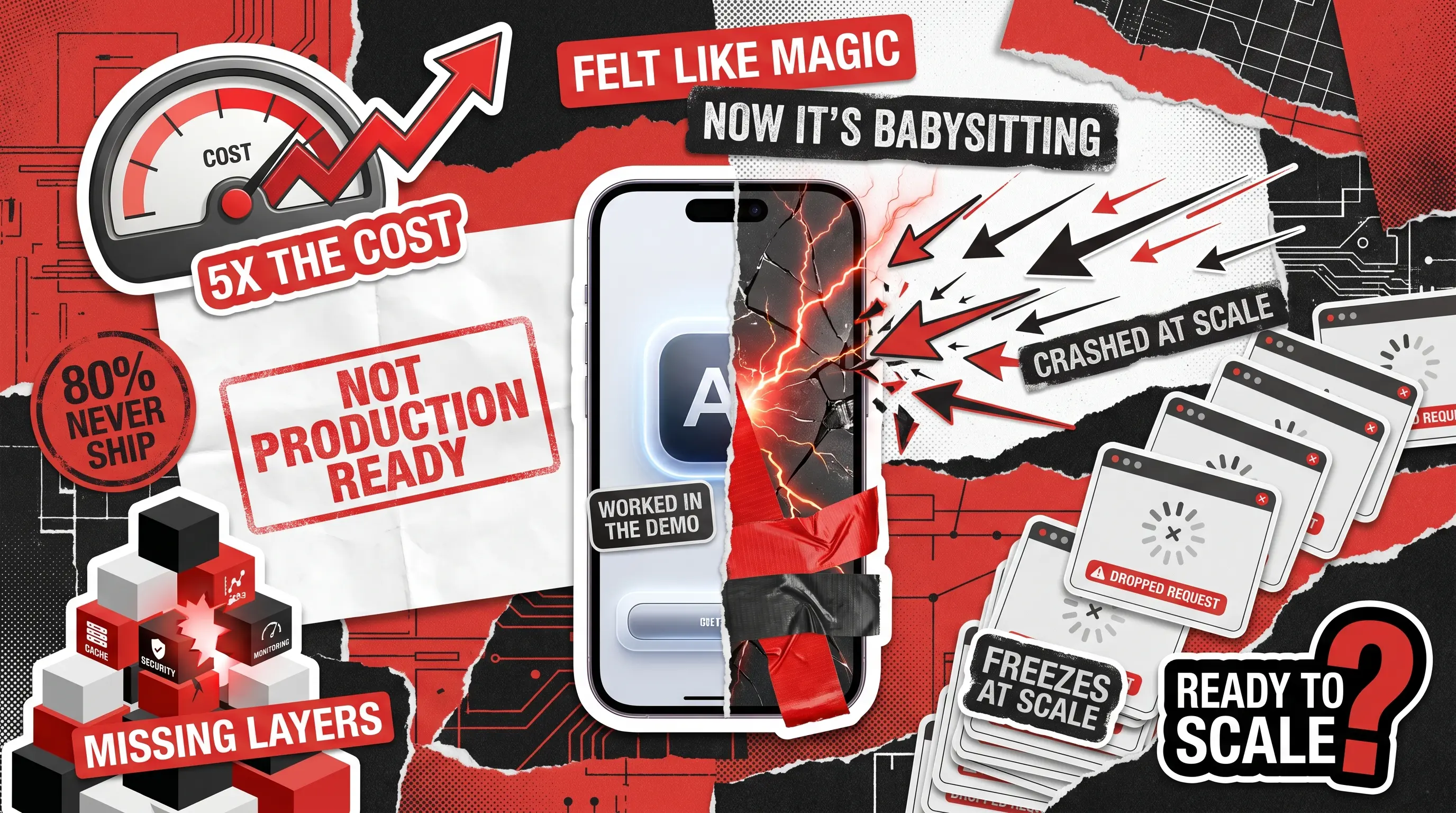
If you are running a Claude-powered prototype, you must be on alert for the moment AI scaling becomes a necessity. To know when that happens, consider if this sounds familiar: you greenlit an internal Claude prototype, and in the first week it felt like magic. Your team plugged into Anthropic’s API, wrote a few prompts, and watched the AI handle customer replies, summarize reports, or sort out data in seconds. You saw the potential and immediately celebrated the win.
However, that early excitement has now been replaced by slowly mounting stress. The tool that was supposed to free up your team’s schedule has somehow become a second part-time job. It shows through API costs that are creeping up without a clear reason. Another sign is that the system runs beautifully when one person uses it, but lags or drops requests the moment five people log in at the same time. And the manual workarounds you thought you left behind? They’re back. These are the exact symptoms a software development audit is designed to surface and diagnose before they compound into something costlier.
You’re not imagining that something is wrong. According to RAND Corporation’s report on AI project failure, more than 80% of AI projects never reach meaningful production deployment, a rate exactly twice that of standard IT projects. The reason is rarely the technology itself. It’s the gap between what a prototype is built to do and what a production system actually needs to survive.
Gartner confirms the same pattern: at least 30% of generative AI projects were projected to get stuck as proof-of-concept by the end of 2025. They are destroyed by escalating costs, poor risk controls, or unclear business value, though not because the AI failed in the demo. The real reason is that no one built the infrastructure to make it work everywhere else.
The real difference between a prototype and a scaling AI product is that the former proves Claude can do the job. However, you need a production system that ensures it performs reliably, securely, and affordably for hundreds of users, without anyone babysitting it.
If you’re wondering which side of that line you’re currently on, the following checklist will tell you. Created by Redwerk’s professionals, it outlines 10 symptoms indicating your business needs AI scaling.
Signs Your AI Prototype Needs Professional Help: The 10-Point Self-Assessment
Each symptom below maps to a real business sensation of the kind that shows up in your cost reports, your team’s calendar, and even your gut feeling. Some of these show themselves on the money side, some on the people side, and some through operational issues. Score yourself honestly as you go, because the number you land on at the end tells you exactly what your next move should be in terms of AI scaling.
1. The Context Window Creep (ROI Plateau)
The first sign to watch out for is the fact that to get accurate results, your team must feed Claude more context with every request. These could include:
- Background documents
- Historical chat logs
- Training notes
Each prompt is getting longer, but outputs aren’t improving. Meanwhile, your monthly API bill has grown quite a bit. Without techniques like prompt caching or semantic routing, the cost per output quietly multiplies while the value stays flat.
What it costs your business: The same quality answer now costs five times what it did at launch.
2. The ‘Prompt Whisperer’ Dependency (Team Distraction Rate)
Someone on your team, whether a developer, a product manager, or another key person, knows exactly how to phrase things so Claude behaves. Therefore, when the output goes sideways, that person has to step in and fix the wording. If they’re on vacation, the system becomes untouchable, and if they leave, it becomes a black box.
What it costs your business: Your highest-paid people are acting as full-time AI babysitters instead of building what actually moves the business forward.
3. The Ghost in the Machine (Unpredictable Output Drift)
Is a situation when a prompt that used to produce clean, accurate results last month is now generating truncated or wrong answers familiar to you? There should be no reason for this because nobody changed anything. However, Claude’s behavior shifted drastically.
Such issues are usually caused either by a quiet model update upstream or by real users typing inputs your internal testing never anticipated. That’s a common occurrence when dealing with AI prototyping.
What it costs your business: This kind of silently degraded experience for customers or employees turns into hours of manual cleanup when someone finally notices.
4. The Hidden Queues (Rate Limiting and Concurrency Bottlenecks)
This is something that happens when the prototype performs perfectly during an internal demo with two people watching. However, the moment thirty employees try to trigger the same workflow simultaneously, the system freezes. It starts throwing errors or simply dropping requests.
That is a clear-cut AI scaling issue because your system was never built to handle concurrent load or to recover gracefully when it hits platform limits.
What it costs your business: Operations grind to a halt exactly when the system should be proving its value.
5. The Onboarding Wall (Inability to Scale Internal Users)
You want to bring new hires or clients onto the platform, but you hesitate. Getting someone up to speed requires a lengthy orientation just to explain what words to avoid typing so the AI doesn’t misfire. Every new user is a liability until they learn the system’s quirks. Going from AI prototype to production handles this through intelligent automation, and our breakdown of building smart onboarding flows with AI shows what that looks like when it’s built properly.
What it costs your business: Stalled growth and mounting frustration every time someone new joins the team.
6. The Copy-Paste Bureaucracy (Creeping Manual Workarounds)
Is your team still highlighting text inside the AI interface, tidying up the formatting, and pasting the final output manually into your CRM, database, or email client? It means the prototype was never connected to your actual systems via proper data pipelines, which is okay before you think about scaling AI. However, your people are just moving text between browser tabs, and it won’t be enough forever.
For a practical look at what real AI automation actually connects to, see our breakdown of e-commerce AI automation implementations. It shows what production-grade integration looks like in practice.
What it costs your business: You haven’t automated the workflow but simply relocated the busywork.

7. The Lack of Observability and Usage Logs
Do you have a dashboard that provides essential data about your product, including:
- How many tokens your team burns daily
- What the error rate looks like
- How users actually feel about the outputs
If not, you probably need AI scaling already because without such tools, you find out something is broken only when an angry employee sends a Slack message or a client complains loudly enough.
What it costs your business: Blind operational spending and zero ability to audit why a critical process failed.
8. The Data Liability Trap (Security and Compliance Gaps)
Answer a vital question: does your business deal with sensitive customer data, financial records, or proprietary company code? Even more important, are they passing through the model via basic web forms or unprotected API setups?
If yes, you must have an enterprise-grade security layer, compliance logging, or sandboxing. It was fine for a prototype to skip those, but it’s unacceptable when scaling AI tools to a system that real users depend on. If you want to understand the specific risks this poses in an AI development context, take a look at our guide to AI-augmented development security that explains the compliance and vulnerability landscape in plain language.
What it costs your business: Regulatory exposure and a breach of client trust that no patch can fully undo.
9. The ‘Works on My Machine’ Syndrome (Brittle Deployment Environments)
If you don’t have a staging environment, you don’t have automated tests. Therefore, when someone wants to update a prompt or add a small feature, they push the change directly to the live workflow and cross their fingers. In such a system, one bad edit and the whole thing goes down mid-workday.
What it costs your business: Unpredictable downtime that disrupts daily operations and erodes team confidence in the system.
10. The Maintenance Paradox (Negative Net Productivity)
The original business case was simple: you built this tool to save you ten hours a week. However, by now, your engineers and project leads are spending 12+ hours a week monitoring and managing it. Add the time needed for patching errors and keeping the infrastructure online.
Simply put, the tool that was supposed to free people up is consuming them, albeit in a different way.
What it costs your business: The prototype has shifted from an asset to a liability, delivering net-negative productivity.
AI Prototype vs Production: When to Scale Your AI Prototype
Now, it’s crucial that you are honest about how your current setup behaves during an actual work week. Count how many of the above symptoms sound familiar to you.
- 0 to 3 symptoms: You have a stable internal tool. For now, keep monitoring your usage metrics and validating your workflows. You’re not done, but you’re in good shape.
- 4 or more symptoms: You’re past the DIY stage, and your prototype has evolved into an unmanaged asset that is consuming more focus, time, and capital than it saves. Trying to patch it internally at this point isn’t resourceful but rather expensive. This is the time for serious AI scaling.
The founders who capture real value from AI are the ones who recognize when building on top of a fragile foundation stops being scrappy and becomes a structural problem. Bringing in engineers who specialize in scaling AI implementations pays for itself by converting a fragile experiment into a reliable business system. Our deep dive into scaling AI models without sacrificing quality walks you through the technical requirements of that transition.
How to Scale AI: Transitioning a Claude Proof of Concept to Production
First of all, know that AI scaling doesn’t mean you need to throw away the work your team has already done. The prototype served its purpose: it proved that Claude could solve your problem. Transitioning an AI prototype to a production-grade system means building the architecture around what already works, not tearing it down and starting over.
Here’s what that engagement actually looks like in the first five days with a dedicated technical partner.
- Days 1 and 2: The Code and Prompt Audit.
Engineers inspect your current prompts and API configuration to find token leaks and redundant context. The goal is to cut your monthly costs without touching the quality of your outputs. Most teams could see meaningful savings in this step alone. - Days 3 and 4: The Architecture Mapping.
At this stage, the team designs rate-limit fallback systems, maps out error handling, and builds the connection layer between Claude and your existing CRM or internal databases. This is where the copy-paste loops are replaced with automated pipelines. For teams working with Claude-specific tooling, our guide to Claude Code plugins gives you some idea of the ecosystem your engineers will be working in. If the architecture decisions themselves feel uncertain, take a look at our article on when to hire a software architecture consultant. It will help you decide whether an expert review belongs in your roadmap. - Day 5: The Production Blueprint. You get a clear, actionable roadmap that covers what gets built, in what order, and what it costs. Using it should ensure there are no surprises and no scope creep.
Ready to Discuss AI Scaling?
The difference between a Claude prototype and a Claude-powered system isn’t the AI but everything built around it. If four or more of the symptoms listed above hit close to home, you know where you stand. The next move is straightforward: explore our Claude AI automation services and book a discovery call. We’ll tell you exactly what it takes to make your system production-ready, and whether we’re the right team to do it.
For broader infrastructure questions or custom workflow integrations beyond Claude, our AI development services cover the full build, from architecture to post-launch optimization.
The prototype got you here, so let’s make sure it doesn’t stop you from getting further.
See what quality product change means in practice: 80+ improvements and security risks identified for a mobile marketplace