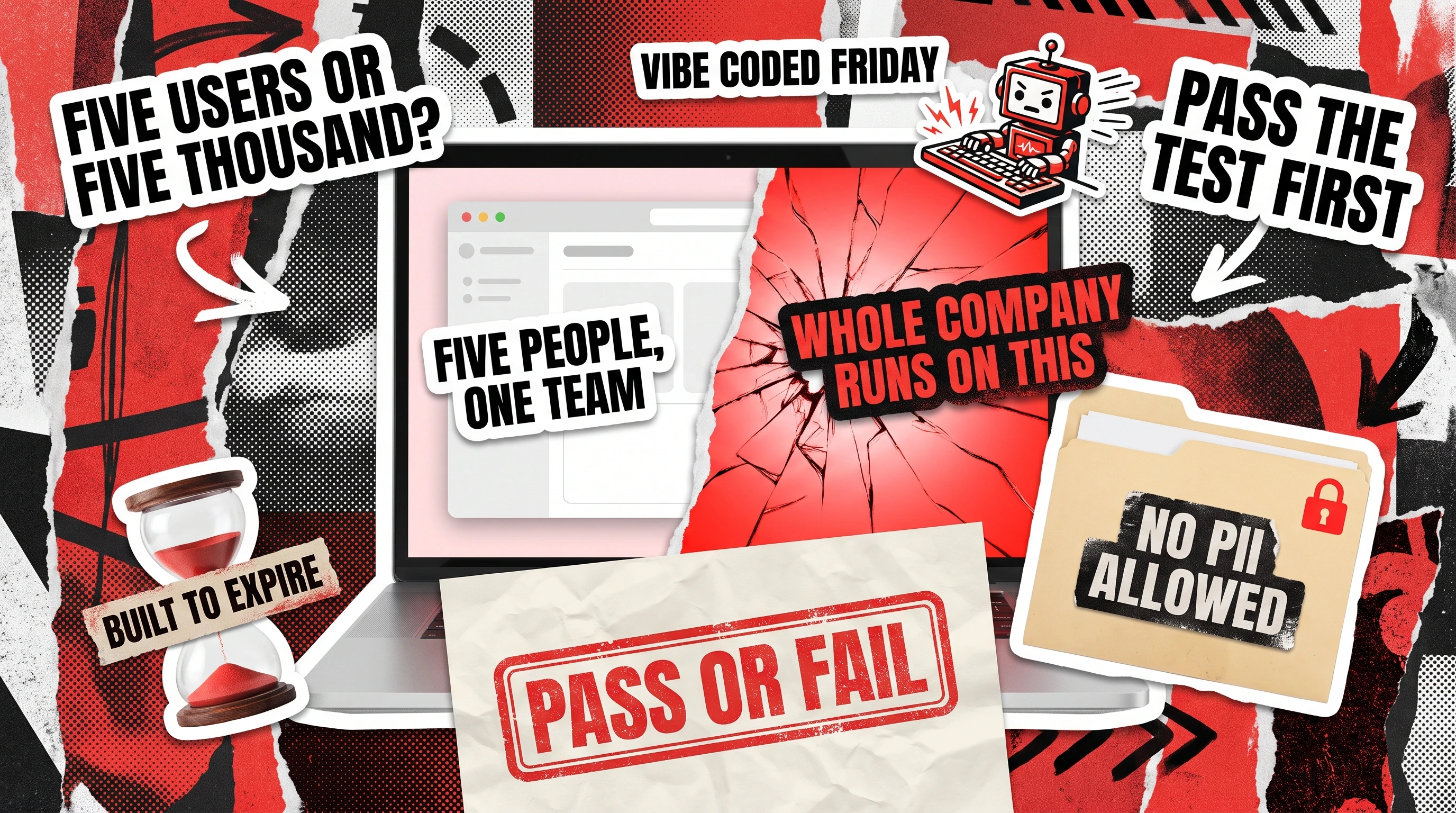
Vibe coding earns its keep on internal tools when four conditions hold at once: a small blast radius, a small user population, a throwaway lifespan, and no PII or regulated data in the mix. Miss one of those four, and the fast prototype your team shipped on a Friday becomes the system nobody wants to own by next quarter.
Most founders and engineering managers asking about vibe coding are not really asking whether AI can write code well. They are asking where the fast, cheap version of software development is safe and where it quietly sets a trap. Internal tools sit right at that fork: a five-person team can build internal tools in an afternoon that used to take a contractor two weeks, and just as easily ship an unreviewed script that touches payroll data and never gets checked again.
The Four-Part Fit Test for Internal Tools
The test below is the filter a senior engineering team runs mentally before handing a feature to an AI coding assistant instead of a developer. None of the four checks require deep technical knowledge, which is why they work for a non-technical founder or a product manager making a fast call. Score a project against all four before vibe coding gets near it, and revisit the score the moment the audience, purpose, or data access changes.
Small Blast Radius
Blast radius means how much breaks, and who notices, if the tool fails at 2 a.m. An internal Slack bot that reformats a report has a blast radius of one channel. A tool that writes back to your CRM, triggers billing, or touches a production database has a blast radius reaching customers, revenue, or compliance, even if only three people use it. The question is never how likely a bug is, but what happens the one time an edge case slips through untested.
Small User Population
A tool built for the five people on your ops team carries a different risk profile than one every employee opens daily. Small user populations are forgiving: someone notices a bug within an hour and the fix ships before lunch. Once a tool crosses into company-wide use, or gets forwarded to a partner outside the building, the feedback loop that made vibe coding safe in the first place disappears.
Throwaway Lifespan
The best vibe-coded internal tools are built to be deleted. A script that automates one quarter’s data migration, a dashboard that answers one question for a single board meeting, a prototype that proves out an idea before a real build starts: each carries an expiration date from day one. Trouble starts when a two-week experiment quietly becomes the system three departments depend on eighteen months later, with no one left who remembers how it was built.
No PII or Regulated Data
This is the check that ends the conversation fastest. The moment a tool touches customer names, health information, payment details, or anything a regulator cares about, the calculus changes. A 2025 analysis covered by CyberScoop put the average US breach at 10.22 million dollars, with thirteen percent of breached organizations having an AI model or AI-built application somewhere in the breach path. An internal tool that never touches regulated data cannot cause that kind of loss, but one that does needs the same review a customer-facing product gets.

The Decision Path
Running the fit test in order, rather than all at once, saves the most time before a single line of code gets written. Ask the four questions below in sequence, and stop the moment any answer comes back as a no:
- Who breaks if this goes wrong, and how far does it reach beyond the person who built it?
- How many people will actually open this tool in a normal week?
- Will anyone still be using this in twelve months, and will it need real maintenance by then?
- Does it ever see a customer’s data, a payment, or anything with legal weight attached?
Four yeses means vibe coding is probably the fast, cheap win it promises to be. A single no is a signal to slow down, not a reason to abandon AI assistance. It usually means the build needs a developer who understands the trade-offs between vibe-coded speed and code written by hand, the same speed-versus-cost trade-off that separates vibe coding from traditional coding more broadly.
Where Vibe Coding Fits
Vibe coding is genuinely the right tool for a specific, common slice of work, and it shows up in roughly the same three shapes across most teams:
- Internal dashboards that pull numbers already sitting in an existing database, since the tool mostly reads data rather than writing anything that could corrupt it.
- One-off scripts that migrate a spreadsheet into a new tool, generate test data, or reformat an export for a single meeting.
- Throwaway prototypes that test whether a feature idea is worth a real build, proof that used to take a developer’s spare afternoon and now takes an hour with a capable AI assistant.
For a five-person startup weighing internal tools for startups against hiring a contractor, the math is straightforward. A founder who needs an admin panel to manage beta users, or an ops lead who wants a script that flags orders stuck in a queue, sits squarely inside all four parts of the fit test. Redwerk has built internal tooling in exactly this shape, including an internal warehouse app used by a logistics team and a resource planner used only by internal schedulers. Both stayed small and internal, and both shipped without a lengthy discovery process.
Where Vibe Coding Silently Fails
The failure mode almost never looks dramatic at first. A tool built in a weekend keeps working for months, quietly picking up users and responsibility until it runs something the business depends on, still at weekend-project code quality. According to Veracode‘s 2025 GenAI code security report, which tested output from more than a hundred large language models, AI-generated code introduced an exploitable security flaw in 45 percent of the coding tasks it ran. That number holds whether the code was written for a customer-facing product or an internal tool nobody outside the team sees, because the model does not know the difference and the missing code review does not either.
The other failure mode is organizational. Verizon’s 2026 Data Breach Investigations Report found unsanctioned AI tool use inside companies jumped from 15 percent of employees to 45 percent in a single year, one of the fastest-growing sources of data exposure the report tracks. Internal tools are exactly where this happens: nobody files a ticket for a script one person built to solve their own problem, so it never enters the process that would catch a leaked API key or an open database connection. By the time someone runs a vibe code audit on a tool like this, the fix usually costs more than building it properly would have the first time.
Out of Scope: Customer-Facing Products
Everything above assumes the tool stays internal. The moment a vibe-coded feature reaches an actual customer, paying or not, the four-part fit test stops applying cleanly, because customer-facing software almost always fails at least one of the four checks by design: more users, real revenue on the line, a long expected lifespan, and frequently, real customer data. The table below makes the contrast concrete.
Blast radius
One team, one workflow
Revenue, brand, support load
User population
A handful of known people
Hundreds to millions of strangers
Lifespan
Weeks to a couple of quarters
Years, with ongoing maintenance
Data sensitivity
Rarely touches PII
Usually built around customer data
A prototype that proves a feature idea is welcome vibe-coding territory. Turning that prototype into the product a customer pays for is a different project with different stakes, and a proper product development track earns its cost there, adding the testing, security review, and maintenance plan a real product needs.
The Permission Slip and the Stop Sign
Every team needs both a permission slip and a stop sign for vibe coding, and most only build one of the two. The permission slip is simple: a one-page policy naming which categories of internal tools software the team can ship straight from an AI assistant with no formal review, based on the test above. Most engineering leads can write this in an afternoon once they have seen it applied to a couple of real examples.
The stop sign is harder, because someone has to actually notice when a project crosses from internal experiment into something that touches money, customers, or compliance, and route it to a developer rather than letting the AI assistant keep extending it. This is where Redwerk’s own engineers get called in most often, not to write internal tools from scratch, but to review one that outgrew its scope, tighten access controls a fast build skipped, or run a proper vibe code cleanup before the tool reaches a wider audience than it was built for.
Vibe coding is fundamentally a scoping question, and the four-part test above answers it faster than a long debate in a planning meeting ever will. Score the blast radius, the audience, the lifespan, and the data before the first prompt gets typed, while the tool is still cheap to redirect. Most internal projects pass cleanly, and the rare ones that fail are worth a short conversation early rather than a longer one later. If you want a second opinion on where a specific project falls, contact us and we will walk through it together.
FAQ
Can vibe coding be used for internal tools?
Yes, and it is one of the strongest use cases for it. Tools that stay small, stay internal, and never touch regulated data are close to the ideal fit for AI-assisted building, since the cost of a mistake is low and the feedback loop for catching one is fast.
Is vibe coding safe?
It depends on scope more than the tool itself. The same AI assistant that safely builds a one-off reporting script can produce a fragile, unreviewed feature when pointed at something customer-facing or regulated. Safety comes from applying a fit test before the build starts, not from the model chosen.
Is AI-generated code safe?
AI-generated code carries measurably higher rates of security flaws than code written and reviewed by an experienced developer, so treating it as safe by default is the real risk. A proper review before it handles anything sensitive closes most of that gap.
What is the difference between vibe coding, no-code, and low-code?
Vibe coding means describing what you want in plain language and letting an AI assistant write real, custom code behind the scenes. Low-code and no-code platforms rely on prebuilt visual components instead, trading flexibility for guardrails the vendor already built in. Vibe coding can build almost anything a developer could, for better and worse, while low-code and no-code stay within the platform’s boundaries.
When should you use vibe coding?
Use it when a project passes the four-part fit test: small blast radius, small user population, a short expected lifespan, and no exposure to PII or regulated data. Internal prototypes, one-off scripts, and small team dashboards are the clearest examples.
Is vibe coding worth it?
For the right scope, yes, often dramatically so, since a tool that used to take a developer days can be working in hours. For the wrong scope, the time saved upfront tends to reappear later as cleanup or a rebuild, usually at a higher cost than building it properly the first time would have been.
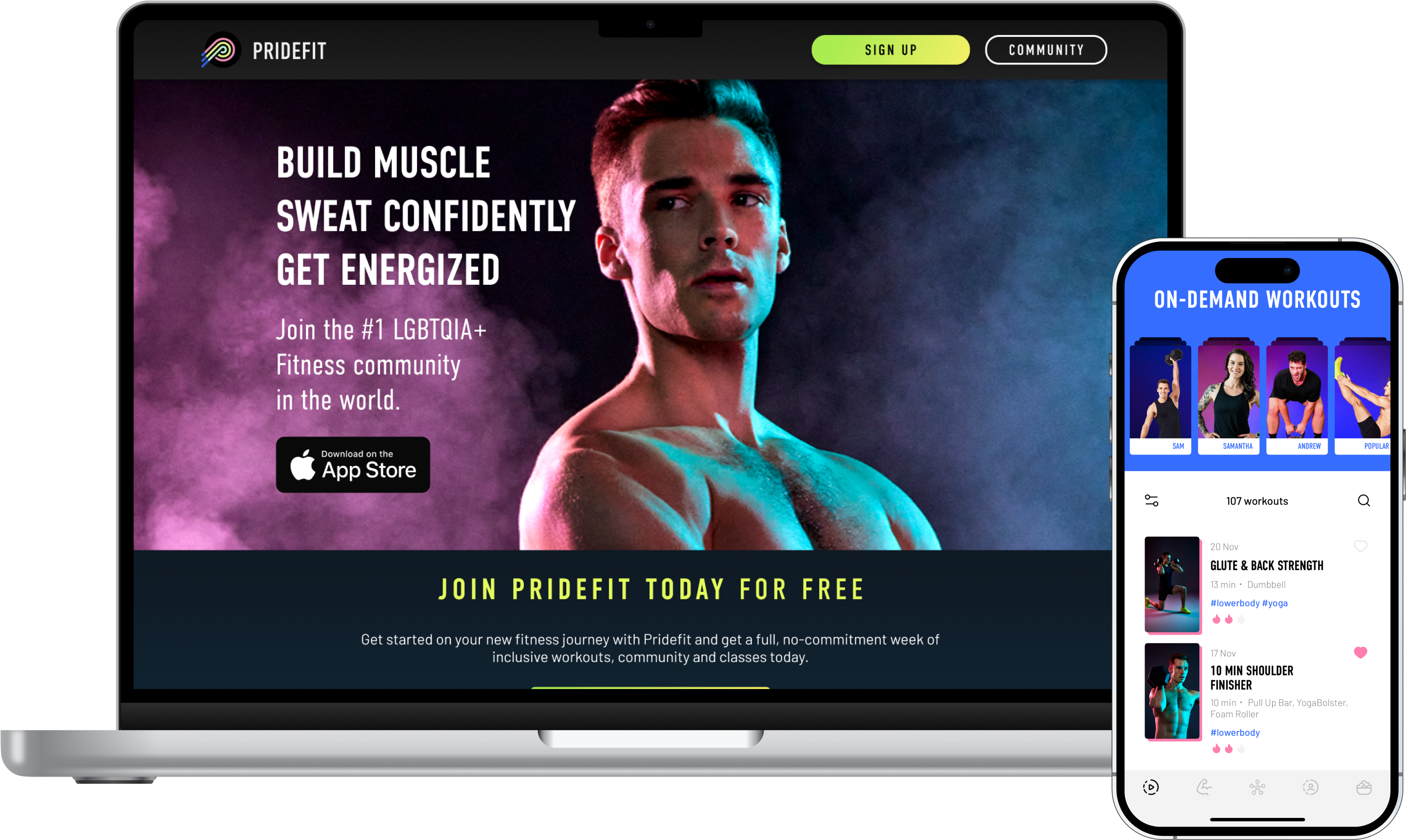
See how Redwerk took over a struggling fitness app from another vendor, cleaned up the inherited technical debt, and helped Pridefit grow subscriptions by 45%