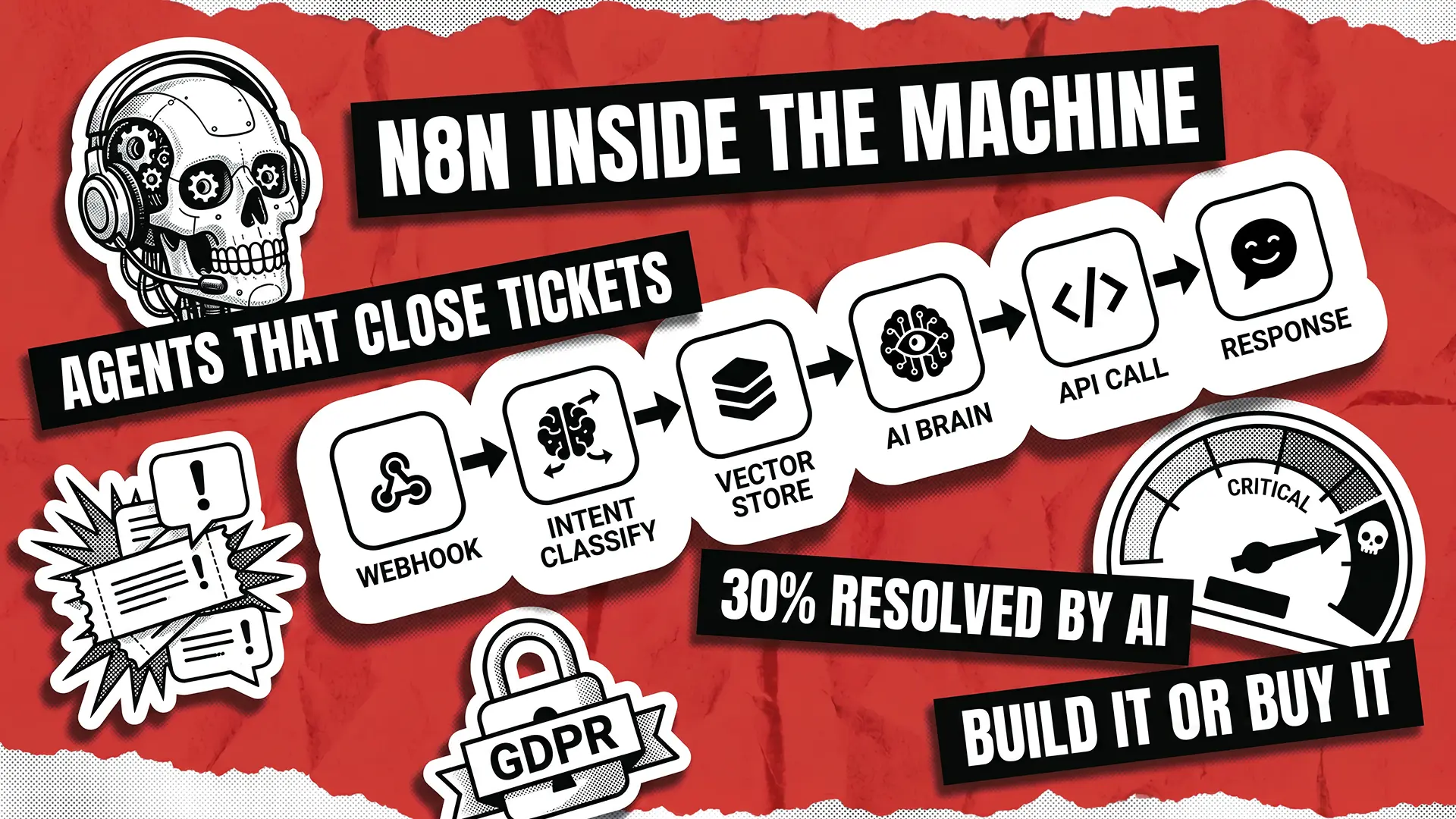
Most tutorials on AI support agents show you the happy path. They stop right where the real work begins, which is the moment a real customer hits your workflow with a question nobody anticipated. According to Salesforce’s 7th State of Service report, based on 6,500 service professionals worldwide, 30% of customer service cases are already resolved by AI in 2025, and that number is expected to reach 50% by 2027. Adoption is not the hard part anymore. Architecture is.
This piece walks you through what actually sits behind a working AI customer support agent built on n8n. We cover the trade-offs you make on day one, the three decisions that decide whether your agent scales, the failure modes we have seen in production, and the metrics that tell you the thing is paying off.
Why Build a Support Agent With n8n Instead of Buying One
Buying an off-the-shelf helpdesk AI tool is the right call when you need polished analytics on day one, have no engineer to maintain anything, or process fewer than 500 tickets a month. For everyone else, building on n8n starts making sense fast.
Three reasons come up in every conversation we have with founders and CTOs weighing this decision:
- Data stays where you want it. Self-host n8n on your own cloud and customer conversations never leave your perimeter. This matters for anyone under GDPR, HIPAA, or a procurement team that asks pointed questions.
- Your systems integrate natively. Your billing, CRM, ticketing, and internal tools already speak to each other. n8n speaks to them too, through 400+ connectors and a clean HTTP node for the rest.
- Cost scales linearly with volume, not seat count. No per-agent licensing on top of your LLM bill.
The n8n workflow automation features that actually matter here are specific: the AI Agent node wraps LangChain without the boilerplate, memory sub-nodes handle conversation state, queue mode with Redis lets you scale workers across instances, and every workflow is version-controllable as JSON. That last one alone pays back the build effort when you need to audit what changed and when.

The Architecture of an AI Customer Support Agent in n8n
A working support agent is not one workflow. It is a pipeline of eight layers, each doing one job, each swappable. Get the layering right and you can replace the LLM, the vector store, or the ticketing system without rewriting the whole thing.
Here is the stack, top to bottom:
- Ingress. Webhook, email trigger, chat widget, or helpdesk API. This layer accepts raw customer input from any channel.
- Normalization. Map every incoming payload to one schema: customer ID, channel, locale, message, priority. Downstream nodes should never care where the message came from.
- Intent classification. A small, fast model (gpt-4o-mini works well) routes the message to the right sub-workflow. Billing questions go one way, technical issues another, churn signals a third.
- Context retrieval. RAG against your knowledge base. Pull the three to five most relevant chunks with source citations.
- Reasoning. The AI Agent node combines system prompt, memory, retrieved context, and tools. This is the brain.
- Action execution. Authorized, auditable tool calls: update a ticket, refund an order, schedule a callback. Each action is its own sub-workflow, not a free-form API call from a prompt.
- Response composition. Brand voice pass, confidence scoring, guardrails.
- Observability. Log inputs, tokens, tool calls, retrieved context, and outcomes. If it is not logged, you cannot debug it.
The design rule is simple. Every layer has one responsibility, and every layer can be tested in isolation. Skipping this structure is how hidden costs of poor AI integration accumulate quietly before blowing up in production, and it is the single most common reason teams end up paying for AI development twice.
Three Architecture Decisions That Make or Break Your Support Agent
Most customer support agents fail in production because of three decisions made too fast during the prototype phase. Here is how to get each one right.
Memory: Which Type and Why
n8n gives you three memory options, and they are not interchangeable. Simple Memory lives in workflow execution context, which means it vanishes when the workflow restarts. That is fine for a demo. It is a disaster mid-conversation with a frustrated customer on minute seven of a checkout issue.
Your real choices are two. Postgres Chat Memory persists across restarts, adds roughly 40 ms of latency per call, and handles around 50 concurrent sessions without complaints. It is the right default for most B2B support workloads. Redis Chat Memory is what you reach for once you cross 50 concurrent sessions or move to multi-instance n8n in queue mode, with sub-10 ms retrieval and no blocking.
One small rule that saves a lot of pain later: session ID should always be the customer ID, never the execution ID. Tie memory to who is talking, not to which run is fired. This is how you keep context across channels when the same customer switches from chat to email.
Retrieval: Grounding the Answers
Retrieval is what keeps an intelligent customer service system honest. Without grounding, your agent makes things up with full confidence. With grounding, it quotes your docs.
What works in production comes down to four practices:
- Chunk knowledge base docs at 500 characters with 50-character overlap, shorter for FAQs and longer for policy documents.
- Store embeddings in Pinecone, Qdrant, or Supabase pgvector, all of which plug into n8n cleanly.
- Return source citations with every answer, because no citation means no response.
- Cache your most common questions, because tier-1 tickets cluster around recurring queries and you should not pay for an LLM call twice on the same content.
Every detail matters here, which is why RAG best practices are their own sub-discipline inside AI engineering.
Tools: What the Agent Can Actually Do
A support agent without tools is a chatbot. A support agent with tools is a system that can resolve tickets. This is the core of customer service automation and what separates n8n AI agents that actually close out requests from bots that just make noise.
Build tools as explicit sub-workflows, one per action:
- Look up order status
- Create a return label
- Issue a refund below a threshold
- Schedule a callback
Two rules keep this safe. First, validate inputs inside the tool, not inside the prompt. LLMs will try to pass nonsense if you let them. Second, gate every high-impact action behind a human approval step: refunds above $100, account deletion, policy exceptions. Log every tool call with customer ID, input, output, and timestamp, so you have a trail when someone asks what happened.
What Breaks: Failure Modes From Real Deployments
Every article on this topic stops at the happy path. That is where the useful part begins. A Gartner survey of 321 customer service leaders conducted in October 2025 found 91% are under executive pressure to implement AI. Pressure to ship rarely produces clean architecture, which is why the same failure patterns show up across deployments. Here are the specific ways it breaks in practice.
- Tool-call loops. The agent keeps calling the same lookup because the response says “not found.” Fix with a loop limit, a timeout, and a graceful human handoff.
- Context window exhaustion. A long conversation blows past the token budget and the agent forgets what was agreed five turns ago. Use sliding-window memory and summarize older turns into a single context block.
- Retrieval drift. Your policy changed in January, but the vector DB was last re-indexed in October. The agent confidently cites the old policy. Fix with scheduled ingestion, version tags on chunks, and a weekly diff check.
- Rate-limit cascades. Traffic spikes, your LLM provider throttles, customers wait, the queue grows, more customers retry, the queue grows more. Set jittered retries and a fallback to a smaller model.
- PII in logs. Your execution history now contains credit card numbers and home addresses forever. Redact at ingress, not at egress. The raw value should never touch the log.
- Prompt drift. Someone tweaks the system prompt on a Friday, and quality slips all weekend before anyone notices. Version prompts in Git and run a ten-case regression suite on every change.
Every item on that list is catchable earlier than teams expect, provided rigorous quality assurance is built into the workflow from day one rather than bolted on at launch. The same rigor applies throughout the lifetime of the system, which is why durable software maintenance in the AI era looks very different from firefighting a legacy monolith.
The Metrics That Tell You It's Working
Metrics matter because your CFO is going to ask. Here is what to watch and what good looks like in 2026:
- Deflection rate. Percentage of tickets resolved without a human. Salesforce’s 2025 data pegs the current industry baseline at 30% of cases resolved by AI, with service leaders expecting 50% by 2027 and an average 20% reduction in service costs and resolution times.
- First response time. This is where AI outperforms humans most visibly, often moving from hours to seconds once the ingress and intent layers are tuned.
- Edit distance. When a human agent takes over a draft reply, how much do they change? Lower is better, and this is your quiet quality signal.
- Cost per resolution. AI-handled tier-1 tickets cost a small fraction of human-handled ones, which is why the ROI case usually holds up even before you count deflection gains.
- CSAT on AI-handled tickets. According to the Zendesk CX Trends 2026 report, 85% of CX leaders say customers will drop a brand over a single unresolved issue, so your baseline cannot slip. Businesses deploying tier-1 AI deflection with clean data typically see CSAT improve, not decline, within 90 days.
Put a weekly review loop on all five: log review, prompt tune, knowledge base refresh. That loop is the difference between a pilot that plateaus and a system that improves month over month.
From Prototype to Production
Compliance is not an afterthought in 2026. Google’s official guidance on AI-generated content sets the standard for anything your agent produces: output that reaches customers, ranks in search, or shapes decisions has to be useful, reliable, and people-first, not auto-generated filler. The same bar applies to what your support agent says to a paying customer at 2 a.m.
Before shipping, check these three things:
- The agent refuses what it should refuse
- It escalates to a human whenever confidence drops below your threshold
- It never answers without a source citation on factual questions
This is what separates a chatbot that embarrasses you from an AI customer support agent that actually earns trust. Pair that with a proper digital transformation approach and you have a system that moves the business instead of decorating it.
The Bottom Line
An AI support agent in n8n is a real system, not a weekend project. Build it in layers, make the three hard decisions on memory, retrieval, and tools with eyes open, plan for the six failure modes before they plan for you, and measure the five numbers every week.
We have been building and auditing production systems since 2005, across North America, Europe, Australia, and New Zealand. If you want an engineer to stress-test your agent before it meets real customers, contact us and we will set up a thirty-minute architecture review. No slides, just honest feedback.
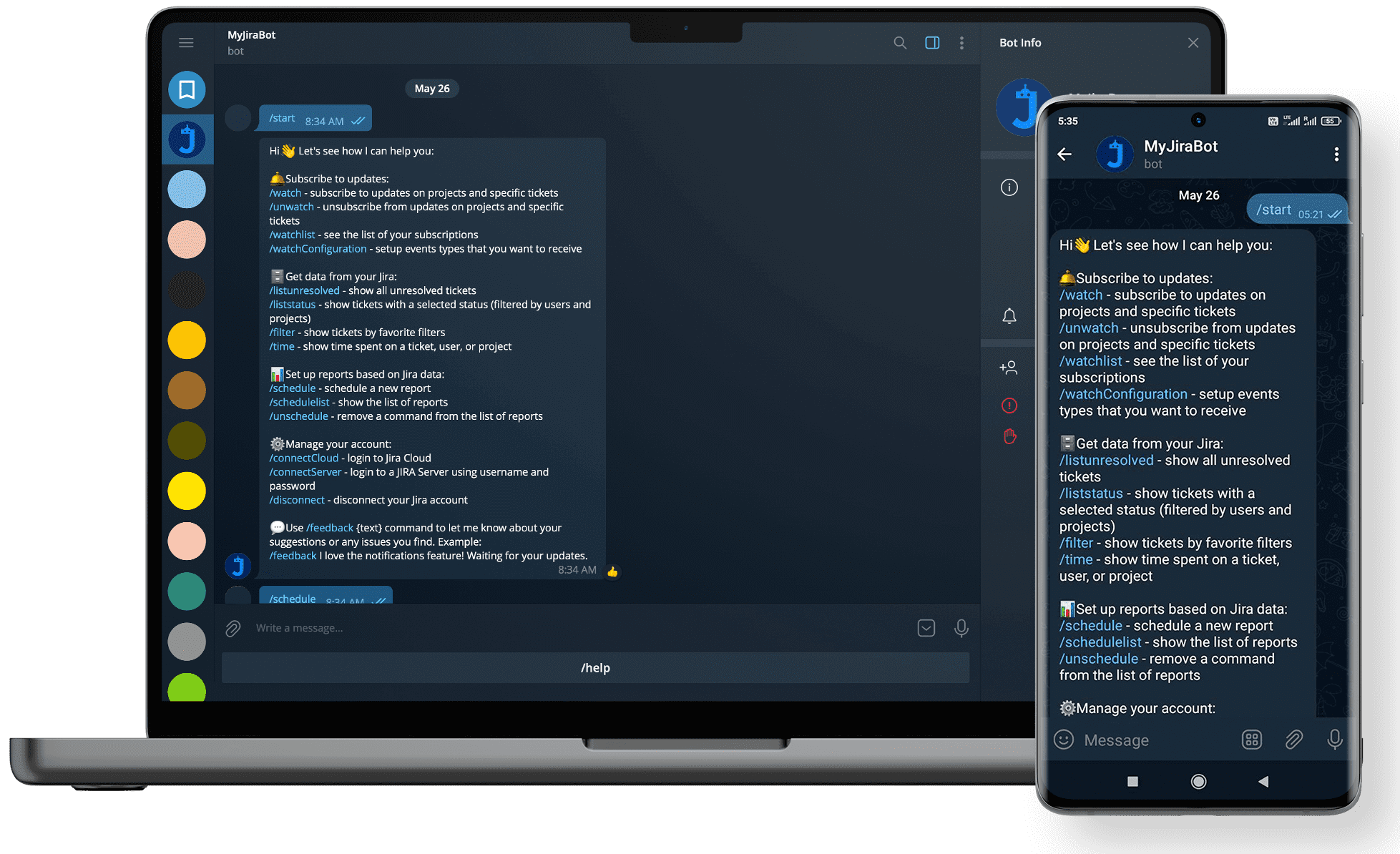
See how we built MyJiraBot — a Telegram automation bot now handling workflows for 50+ businesses globally.