McKinsey Global Institute’s report estimates that 57% of US work hours could be automated with technologies that already exist, which brings a potential $2.9 trillion in economic value by 2030. Yet most teams kick off their automation journey by wiring up the wrong things: Slack pings for calendar events, or reformatting spreadsheets nobody reads. The gap between “automatable” and “automated well” is where money leaks. Gartner predicts that 40% of enterprise apps will embed task-specific AI agents by the end of 2026, up from under 5% in 2025. The shift isn’t coming. It’s here.
And n8n, an open-source workflow automation platform with 400+ integrations and 100M+ Docker pulls, has become the go-to tool for teams that want control without vendor lock-in. This article walks through five n8n workflow examples that work in production. Each one goes from the business problem to a running setup, showing workflows that save measurable hours and reduce errors for real businesses.
How to Pick What’s Worth Automating
Before you open n8n’s canvas, ask three questions about any process: how often does it run, how long does it take each time, and what does an error cost? Multiply those together, and you get a rough automation priority score. A task that runs 20 times a week, takes 15 minutes each round, and carries a medium error cost (a missed lead, a duplicate invoice) scores far higher than a monthly report that takes an hour.
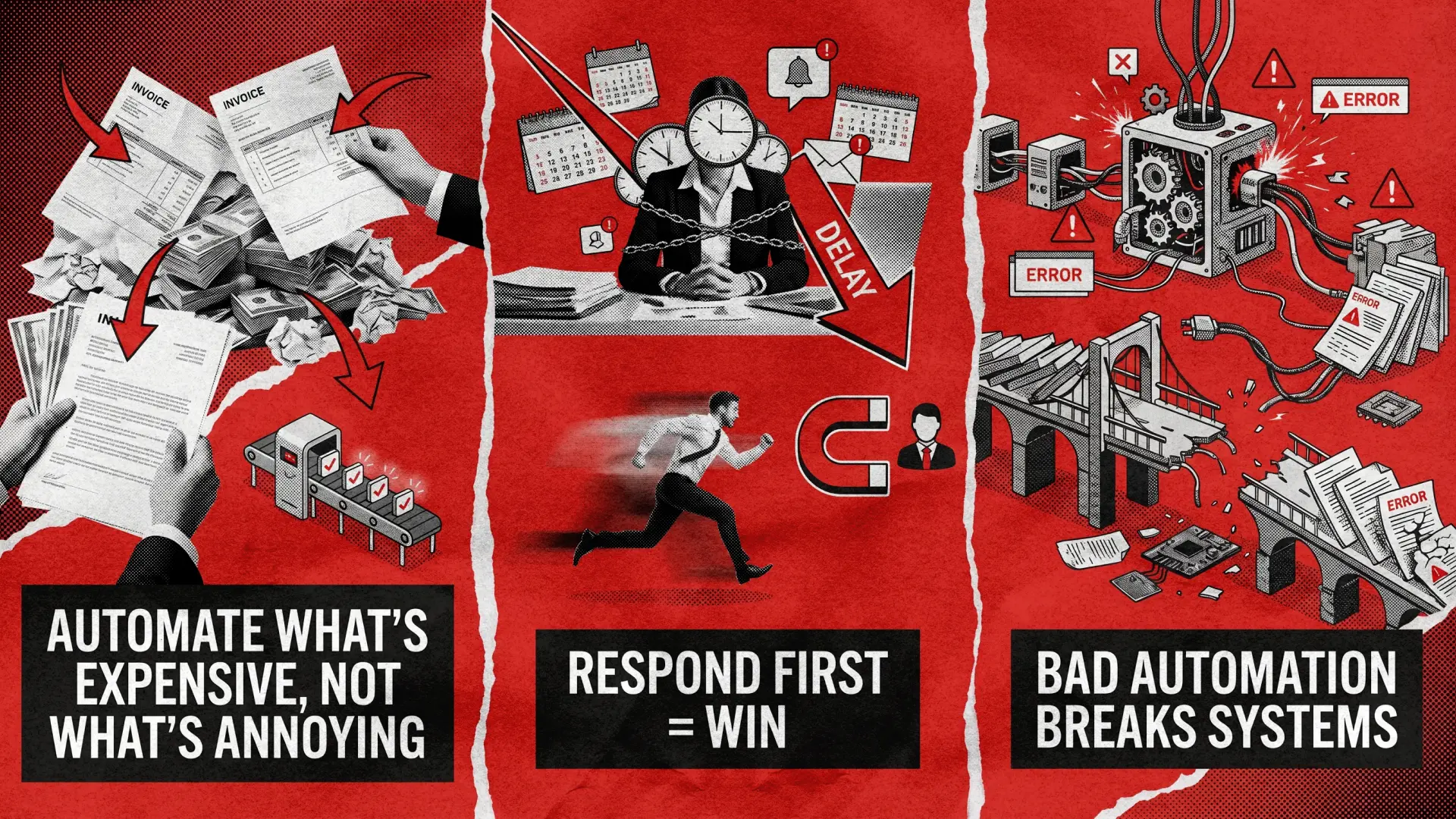
This framework matters because the most common mistake is teams automating what’s annoying instead of what’s expensive. A thorough discovery phase helps identify the right candidates before anyone builds a single n8n workflow.
Lead intake + CRM entry
20x/week
15 min
High
Automate first
Invoice data entry
10x/week
20 min
Medium
Automate second
Quarterly report formatting
1x/quarter
60 min
Low
Can wait
One more thing worth noting: n8n’s execution-based pricing means a 20-node workflow costs the same per run as a 2-node one. On Zapier, every step multiplies your bill. For complex business process automation (BPA), that difference compounds fast.

5 Proven n8n Workflow Examples for Business: From Idea to Setup
Each automation workflow example below follows the same structure: the business problem, the n8n setup, and what changes after deployment. They reflect patterns commonly used across SaaS products and operational workflows.
Workflow 1: Lead Capture → CRM → Instant Slack Alert
A lead fills out your form. It sits in a submissions queue for 2-4 hours until someone checks. By then, your competitor has already replied. Speed-to-lead is the strongest predictor of conversion, and most teams still handle this manually. This n8n automation starts with a webhook trigger that fires the moment a form is submitted.
A Set node formats the incoming data, then a HubSpot or Pipedrive node creates a new contact and deal. An IF node applies basic lead scoring automation, filtering by company size, budget, or source, and routes the result to a Slack node that alerts the right sales rep with full context: name, company, what they’re looking for.
Response time drops from hours to under 60 seconds. Teams that implement CRM integration through this pattern typically see a 30–50% improvement in lead-to-meeting rates, because the first reply wins. Add a duplicate-check step before the CRM insert, without it, you’ll have three versions of the same contact within a week. Also wire up n8n’s Error Trigger node to a dedicated Slack channel so you know immediately when something breaks.
Workflow 2: AI-Powered Support Ticket Triage
Your support team reads every incoming ticket to figure out where it goes: billing, technical, feature request, urgent. At 50+ tickets a day, that’s a full person’s time spent on sorting rather than solving. An email or webhook trigger captures new tickets, then an OpenAI node classifies each one using a prompt like: “Read the customer message. Return a JSON object: {category, confidence, summary}. If confidence < 0.7, set category to manual_review.” An IF node routes by category to the right Jira or Linear queue, followed by a Slack notification to the assigned team. This is one of the most impactful n8n automation examples for teams scaling past the point where manual triage is sustainable. The result: 70%+ of tickets get auto-routed correctly, and average first-response time drops from 4 hours to 20 minutes. Never ship an AI classifier without a confidence threshold, though. Low-confidence tickets should always land in a human review queue. Log every classification decision, as you’ll need this data to tune prompts over time. If you’re building AI-powered workflows for the first time, understanding the architecture beneath these nodes helps you make better design decisions. We’ve applied similar triage patterns in healthcare workflow automation, where routing accuracy directly impacts patient outcomes.
Workflow 3: Invoice Processing with OCR + Approval Routing
Finance teams spend 8-12 hours per week on manual invoice processing: matching POs, chasing approvals over email, keying data into the accounting system. Errors like duplicate payments or missed early-payment discounts cost real money. This n8n invoice automation workflow triggers when an invoice arrives via email attachment.
An Extract from File node handles OCR/PDF parsing. An OpenAI node pulls the vendor name, amount, due date, and line items from the parsed text. The data gets logged in Google Sheets or Airtable, then an IF node checks the amount: above $5K routes to manager approval via Slack; below $5K auto-approves and pushes directly to Xero or QuickBooks.
Invoice processing drops from 10 hours per week to under 2. Near-zero risk of duplicate payments. Approval bottlenecks disappear because routing happens automatically instead of sitting in someone’s inbox. OCR output is never perfect, so add a validation step that compares the extracted total against the sum of line items. If they don’t match, flag for human review. Accounting API nodes also timeout more than you’d expect, so always enable retry logic on those connections.
Workflow 4: Automated Client Onboarding Sequence
A new client signs a contract, and someone spends half a day creating project folders, sending a welcome email, setting up a Slack channel, adding tasks to the PM tool, and scheduling a kickoff call. Miss a step, and the client’s first impression is “these people are disorganized.”
A CRM trigger fires when a deal status flips to “Won.” From there, the n8n workflow automation fans out: a Google Drive node creates a project folder from a template, a Gmail node sends a personalized welcome email with onboarding docs, a Slack node creates a #client-name channel and invites the team, an Asana or Jira node spins up a project with pre-set tasks, and a Google Calendar node schedules the kickoff. This customer onboarding workflow runs in under 30 seconds.
Onboarding drops from 3-4 hours of manual coordination to under 5 minutes, with zero missed steps. We built a similar operational automation pattern for Muskelhirn, a German recruitment platform where we helped digitalize their services and cut business operations time in half—much of that gain came from automating repetitive sequences that previously required manual coordination across multiple systems. Add a Wait node with a 24-hour delay after the welcome email to trigger a follow-up: “Did you receive everything?” This catches bounced emails and signals attentiveness from day one.
Workflow 5: Weekly KPI Dashboard via AI Summary
Every Monday, someone pulls numbers from Google Analytics, Stripe, HubSpot, and the PM tool, pastes them into a doc, writes a summary, and emails it to leadership. It takes 2–3 hours, and nobody reads the full thing anyway. A Schedule trigger fires Monday at 8 AM. HTTP Request nodes pull data from each source—this is where solid API integration matters, because each platform returns data in a different shape. A Merge node combines everything, then an OpenAI node generates a 5-sentence executive summary: “Highlight the biggest positive change, the biggest risk, and one recommended action. No fluff.” The result hits Gmail or Slack, formatted and ready.
Reporting goes from 2–3 hours of manual work to zero human effort. Stakeholders actually read the AI summary because it’s concise and action-oriented. This is one of those n8n workflow automation examples that scales beautifully.
Once the data pipeline is set, adding new metrics takes minutes. Cache API responses so a single failed call doesn’t kill the whole report. Data synchronization across multiple sources requires careful error handling, because each API has its own rate limits and authentication quirks. If the AI summary comes back garbled, send the raw data with a note instead of sending nothing.
Build It Yourself or Bring In a Team?
If your workflow has 3-5 nodes, connects apps you already use, and doesn’t touch customer data or payment systems build it yourself. n8n’s no-code workflow builder handles this well, and their documentation is solid. Consider this your condensed n8n workflow setup guide: start with one high-impact process, get it stable, then expand. But when your n8n business automation involves multi-branch logic, AI nodes, error recovery, and integrations with legacy APIs, the cost of debugging a broken production workflow outweighs the cost of building it right from the start, especially when that workflow touches your CRM, billing system, and customer emails simultaneously.
Forrester’s 2026 automation predictions note that ROI and governance challenges will keep most organizations running deterministic automation through 2026, even as agentic AI matures. Translation: getting the fundamentals right still matters more than chasing the newest feature. We’ve shipped n8n workflow templates business clients across North America and Europe rely on daily—from AI-powered systems to DevOps-managed deployments that keep workflows running at 3 AM without anyone losing sleep. If you want your first three workflows live within two weeks, you know how to contact us.
FAQ
What can you automate with n8n?
Virtually any process that involves moving data between systems. The most common n8n workflows include lead routing, CRM syncing, invoice processing, support ticket triage, client onboarding, automated reporting, and content distribution. If a tool has an API or supports a webhook trigger, n8n can connect to it. The community template library already has 9,000+ ready-made workflows covering everything from e-commerce order management to HR onboarding sequences.
Is n8n better than Zapier for business automation?
For simple, linear automations, Zapier is faster to set up and requires zero technical background. For complex logic, AI-powered workflows, self-hosting requirements, and cost control at scale, n8n wins. The pricing model is the biggest differentiator: n8n charges per workflow execution regardless of how many nodes you use, while Zapier charges per task, so a 20-step workflow costs 20x more per run. For teams running high-volume n8n workflow automation, that difference adds up fast.
Do I need a developer to use n8n?
Not for basic workflows. n8n’s visual editor handles straightforward automations, connecting Google Sheets to Slack notifications, for example, without writing a line of code. But production-grade workflows with error handling, AI nodes, custom API integrations, and multi-branch logic benefit from engineering experience. The sweet spot for most mid-size teams: a developer sets up the architecture and error handling, then operations staff manage day-to-day adjustments through the visual interface.
How much time can n8n automation save?
Real-world results vary by complexity, but the case studies are consistent. It can be from 200 hours per month to 15-25 hours per week once 3–5 core n8n automation workflows are in place and stable. The ROI typically becomes clear within the first 60–90 days.
See how we helped a recruitment platform cut business operations time in half through workflow automation.