A competitor just deployed an AI feature. Now your users want one, your board keeps forwarding demos, and an investor wants to know your “AI roadmap” by the next call. You have a product that works and customers who pay for it, and the idea of tearing it apart to bolt on AI feels like trading a real business for a science experiment.
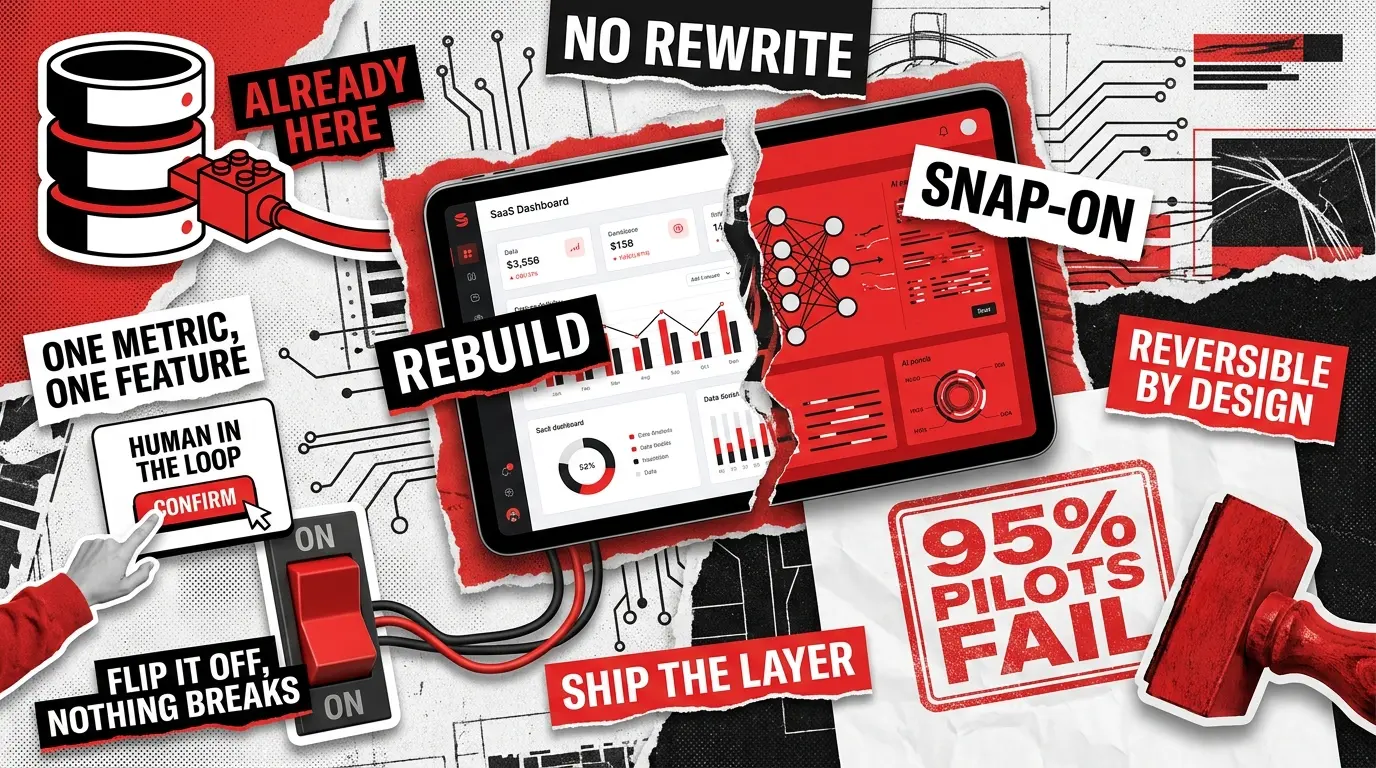
Here is the good news. You can almost certainly skip the rebuild. Most of the AI features that move retention and revenue attach to a working product as a separate layer that reads the data you already store and writes results back through the APIs you already have.
The pressure is real, and so is the trap. An MIT NANDA study found that 95% of enterprise generative AI pilots delivered no measurable impact on profit and loss, and the cause traced back to weak integration with real workflows rather than to the model itself. The teams that land on the right side of that statistic do the same few things: they pick one pain point, execute it well, and connect it to how people actually work. This guide shows you how to be one of them, without breaking what is already live.
4 AI Feature Categories That Work as SaaS Add-Ons
Not every AI feature carries the same risk, and most businesses get burned by starting with the hardest one. The four categories below deliver value as add-ons, and they map cleanly to what a typical SaaS product already stores and does. Here is how they compare before we go deeper on each.
Predictive analytics
“What happens next?”
6 to 12 months of clean history
Low
In-app automation
“Can the app do this for me?”
API layer and clear trigger events
Low to medium
Personalization
“What does this user need?”
Event tracking and user history
Medium
AI-assisted workflows
“Help me finish this faster”
Context retrieval and output guardrails
Medium to high
Predictive Analytics
This is the lowest-risk place to start because it usually reads data and writes back a number without touching anything a user clicks. A churn score on the customer page, a demand forecast in the inventory view, a usage projection on the billing dashboard. The model consumes history you already have and returns a prediction your interface displays.
The dependency that makes or breaks it is data quality. A forecast trained on inconsistent or half-empty records will be confidently wrong, which erodes trust faster than having no forecast at all. This category sits squarely in classic machine learning territory, and it is often the fastest win for an AI-powered SaaS that already sits on a rich dataset. The heavy lifting is mostly preparing the data and choosing the right model, which is where dedicated AI development services earn their keep, rather than rearchitecting your product.
In-App Automation
Automation takes a task your users do by hand and lets the product handle it: auto-tagging support tickets, routing leads, summarizing long threads, drafting replies, extracting fields from uploaded documents. It plugs into actions your app already performs, so you are adding a faster path rather than a new system.
What it needs is an API layer and clearly defined events to hook into, such as “ticket created” or “document uploaded.” The thing to watch is anything destructive or customer-facing. Sending an email, closing a ticket, or changing a record should pass through a confirmation step before the model acts on its own. When automation involves several coordinated steps, teams often reach for one of the multi-agent frameworks that handle orchestration and state. An OpenClaw AI automation setup, for instance, can require a human sign-off before any irreversible action, and that single guardrail is what keeps a helpful feature from turning into a liability.
Personalization
Personalization adapts what each user sees: ranking content, recommending the next action, surfacing the right item, tuning the dashboard to how someone actually uses the product. It adds a ranking layer on top of your existing data, and your core interface stays in place.
If you already log what users view, click, and buy, you have the raw material. The classic gotcha is the cold start: new users have no history, so you need a sensible default for the model to fall back on while it learns. Done well, personalization is one of the clearest retention levers in AI for SaaS, because it makes a familiar product feel like it was built for the individual using it.
AI-Assisted Workflows
This is the co-pilot pattern, where the product helps a user finish a task by generating a draft, suggesting an edit, or reviewing work while the person stays in control. Think of a writing assistant inside an editor, a query builder in an analytics tool, or a configuration reviewer in a developer product.
It needs context retrieval so the assistant knows about the user’s data, plus guardrails on what it can output. Of the four, this one changes the user experience the most, so it usually requires new interface work and an approval flow. It also rewards a tight scope: a co-pilot that tries to do everything does nothing reliably, so pick the single task it does genuinely well and delivers that first.
Technical Prerequisites: What to Check Before You Start
Before you commit to a category, confirm your product can support it. Most of this is plumbing you can add incrementally, and checking it now is what separates a four-week project from a four-month one. The list below is short on purpose, because each item is a real blocker if it is missing.
- Accessible data. The model needs to read the relevant records through an API, a query layer, or an event stream. If your data is locked inside tightly coupled code, expose it through a clean interface first.
- Defined events. Automation and personalization fire on triggers, so you need clear events such as record created, status changed, or page viewed.
- Auth and rate control. The AI layer should authenticate like any other service and respect rate limits, so a runaway loop cannot hammer your system or a vendor’s API.
- Cost controls and observability. Per-user token caps, a kill switch, logging, and a dashboard for spend and quality let you see what the AI does and what it costs in real time.
- An evaluation set. A handful of known-good answers lets you measure quality before launch and catch regressions after, instead of trusting a demo.
- A privacy line. Decide what data can leave your environment, what must be redacted, and whether a use case needs a model that runs in your own cloud.
The data you already manage is the foundation, and clean access to it is the highest-leverage thing you can prepare.

Your SaaS AI Integration Checklist
A path that protects your live product looks like the sequence below. The point of following it in order is that each step is reversible, so a feature that does not pan out costs you an experiment rather than your roadmap. Sound SaaS AI integration is sequential and measured, with every step small enough to undo.
- Pick one feature tied to a metric. Not “add AI”, but “reduce ticket response time” or “cut churn in the at-risk segment”. Decide how you will measure success before you write any code.
- Verify data readiness. Audit the data the feature depends on and clean it if you must. This single step separates the projects that work from the ones that stall.
- Decide buy versus build for the model layer. For most language and reasoning tasks, a hosted model reached through a framework gets you there faster than training your own. Comparing the main LLM frameworks helps you match the tool to the use case.
- Build behind a feature flag. Deploy to an internal group first, then a small cohort of real users, and keep the existing flow fully intact so anyone can fall back to it.
- Add guardrails and a human in the loop. Put confirmation steps on risky actions, set limits on what the model can output, and give users a clear way to correct or reject a result.
- Instrument cost and quality from day one. Track spend per user and accuracy against your evaluation set, and set alerts before you set a launch date.
- Measure, then roll out gradually. If the metric moved, widen the rollout. If it did not, you lost a flagged experiment, not your product.
Integration Mistakes That Create More Churn Than They Prevent
A badly integrated AI feature does worse than underperform. It actively pushes users away, because it interrupts a workflow they relied on and replaces something certain with a guess. These are the patterns that turn a feature launch into a churn event.
- The quiet killer is implementing AI on top of dirty data. The output looks confident and turns out wrong, and users stop trusting both the feature and the product around it within a couple of uses. Clean the data before you build, even though it is the least exciting part of the project.
- The second pattern is replacing a working flow instead of adding beside it. When you force users onto an unproven path, you remove the safety net they counted on. Keep the manual route, place the AI route next to it, and let people opt in on their own terms.
- The third is removing the human from decisions that carry consequences. Anything that sends, deletes, charges, or contacts a customer needs a confirmation step, because an automated mistake at scale is far more expensive than a slower manual step.
- The fourth ties back to where this guide started. Treating a strong demo as a finished feature is the trap, because the gap between a demo and production is integration with real workflows and real edge cases. Test there, not in the showroom, and you stay on the right side of that divide.
Why You Probably Don’t Need a Rebuild
A working SaaS product already has the four things AI needs: a place to read data, a place to write results, a way to trigger events, and a way to authenticate. Integration is mostly a matter of connecting to those four things, so the AI lives as a layer on top of a product that keeps running exactly as it does today.
That layer subscribes to events, pulls context through your API, sends it to a model, and returns a score, a suggestion, or an action. Switch the layer off and your product behaves exactly as it did before, and that reversibility is the entire point. You are adding capability without betting on the core. If your product runs on Node.js, our guide to adding AI features to a Node.js app walks through exactly where that layer attaches and the streaming and event-loop gotchas to watch for.
Two shifts make this realistic right now. Hosted models handle language, reasoning, and classification through an API call, so the work moves from research to integration. And the supporting patterns — retrieval, prompt orchestration, scoring, and guardrails — are now standard engineering rather than frontier work. Modern AI SaaS development leans on this maturity, which is why the founders who clear the GenAI Divide tend to share one habit: they connect a single well-chosen feature to a workflow that already had users.
How Redwerk Helps You Add AI Without the Rebuild
If competitors have started shipping AI and you are looking at your own product wondering where a feature could go without destabilizing it, that is one of our most common opening conversations in 2026. The fastest, safest wins usually come from predictive scoring and recommendations built on data you already collect, which is what our machine learning and data science work covers — from churn and demand forecasting to product recommendations, including the data preparation that decides whether a model earns trust or loses it.
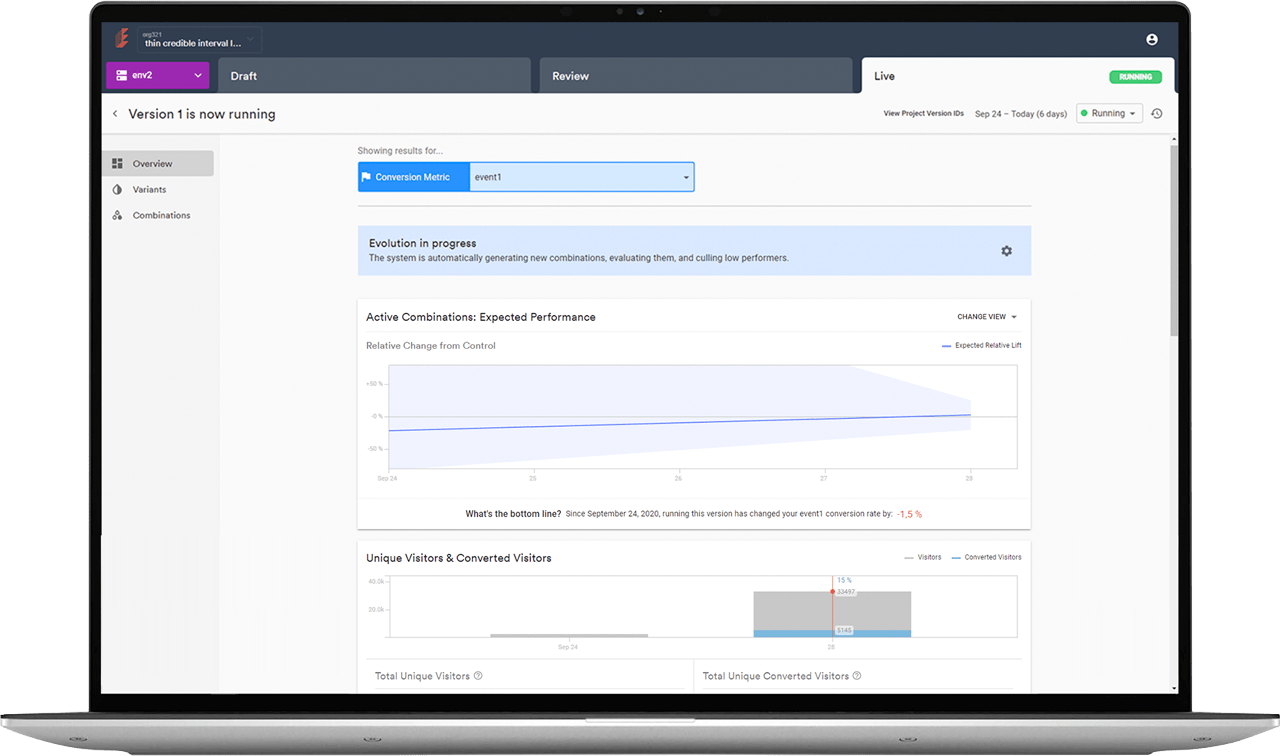
Supporting a live, AI-driven SaaS over the long term is the discipline behind the rest of our delivery. Redwerk is the long-term delivery team behind Evolv, an AI-driven optimization platform whose machine-learning engine serves progressively better experiences to each visitor, and we continuously develop and upgrade its Web Editor and Manager as the product evolves. The same care shapes how we add AI: our SaaS development team builds the integration layer, approval gates, and cost controls that keep an automated feature from becoming a support fire, and our AI-assisted software development consulting helps your engineers shape the review and monitoring habits that keep it healthy after launch.
Takeaways
The question was never whether to add AI. It is how to add it without breaking a product that already pays the bills, and the answer is to treat AI as a reversible layer rather than a rewrite. Start with one feature that fits the data you have, deliver it behind a flag to a small group, keep a human on anything that carries consequences, and measure it against a number you defined upfront.
Do that, and you stay on the winning side of the divide between products that talk about AI and products that quietly deliver it. When you are ready to scope your first feature, contact us and we will help you find the fastest safe path to it.
FAQ
Do I need to rebuild my SaaS to add AI features?
No. Most AI features attach as a separate layer that connects to your existing product through your current API. Your database, business logic, and interface stay as they are. The AI layer reads data, calls a model, and writes results back, so you can remove it later without touching the core.
How long does SaaS AI integration take?
A focused predictive analytics or automation feature on clean, accessible data often ships in about four to eight weeks. Personalization and co-pilot features take longer because they change the user experience. The timeline depends far more on data readiness than on the model itself.
What’s the cheapest, lowest-risk AI feature to start with?
Predictive analytics. It reads data you already store and writes back a score without changing any flow your users interact with, which makes it the lowest-effort and lowest-risk entry point. It also surfaces data-quality problems early, before they can derail a more visible feature.
See how Redwerk took over core development of an AI optimization platform and carried it through to a successful product launch