If you run production workloads in the cloud, you probably already suspect that something in there deserves a closer look. The bill may have crept up again last quarter, a new customer might have asked how you protect their data, or you could have inherited an environment that nobody on the team fully understands. That hunch is worth trusting, because a quiet misconfiguration or a forgotten, half-used resource doesn’t fix itself. It only gets more expensive the longer it sits there.
The answer is to audit cloud infrastructure deliberately, before an incident or an invoice makes the decision for you. A proper audit tackles the three questions every cloud owner eventually faces: what’s exposed, what’s being wasted, and what will break the next time traffic spikes. This guide walks through what a cloud audit examines, what it typically finds, and how to know whether you actually need one.
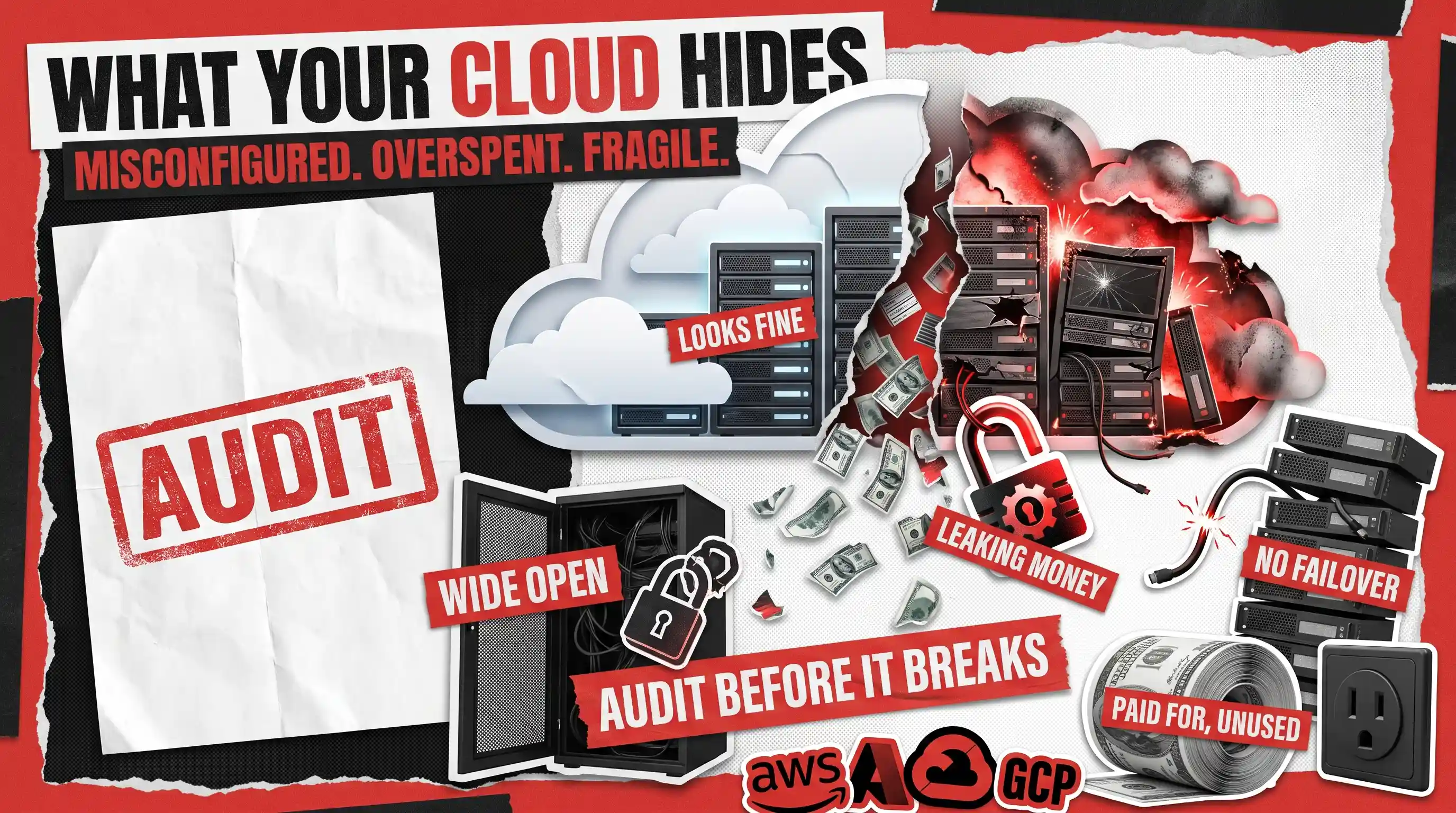
A cloud infrastructure audit is a structured review of your environment on Amazon Web Services (AWS), Microsoft Azure, or Google Cloud Platform (GCP) that surfaces three kinds of problems: misconfigurations that create security risk, spending the business is quietly wasting, and fragility that threatens uptime. Most guides on this topic stop at security. The interesting part, and the part that usually pays for the audit, is the money.
What Is a Cloud Infrastructure Audit?
Before we go further, two quick definitions, because these terms get used loosely:
- What is cloud infrastructure? It’s the collection of computing resources you rent instead of owning: the servers, storage, databases, networks, and access rules that run your product on a provider like AWS, Azure, or GCP.
- What is an infrastructure audit? It’s simply a thorough health check of that setup, done by someone who knows where the bodies are usually buried.
So a cloud infrastructure audit is a health check for the cloud specifically. It’s not a one-line security scan or a sales pitch for a monitoring tool. It’s a person, or a small team, going through your environment methodically and answering an uncomfortable but useful question: if we started fresh today, would we build it like this? For teams that build and run cloud applications at a growing company, the honest answer is often “not quite,” and that gap is exactly what the audit measures.
Cloud Audit vs Cloud Security Audit vs Compliance Audit: What Is the Difference?
These three terms get used as if they mean the same thing, and the difference matters a great deal when you’re deciding what you actually need. A cloud security audit asks one question: is anything exposed? A compliance audit asks a different one: can we prove to an outside body that we follow a specific rulebook, such as a healthcare or payment-card standard? A full cloud infrastructure audit includes the security question but refuses to stop there. It also asks whether you’re spending sensibly and whether the setup will hold up under pressure. Here’s how the three compare at a glance.
Main question
Is anything exposed?
Do we meet a specific standard?
Is it secure, cost-efficient, and resilient?
Driven by
Risk and threats
An external requirement or a customer
Overall health and total cost
Covers cost waste?
No
No
Yes
Best when
You suspect a security gap
An auditor or client is asking
You want the complete picture
The rest of this guide describes that third column, the complete picture, because it’s the one that tends to surprise people in a good way.
What Does a Comprehensive Cloud Infrastructure Audit Include?
A comprehensive cloud infrastructure audit covers more ground than most people expect, but it all sorts neatly into the three findings we mentioned. Rather than march through service categories like storage, networking, and identity, which is how a machine would organize it, it helps to organize by what the audit is actually hunting for. Here’s the whole thing on one page.
Misconfiguration
Access permissions, public exposure, encryption, logging, drift from your intended setup
Overly broad user access, storage open to the public internet, logging switched off, unencrypted data
A breach, a compliance failure, or a very bad Monday
Overspend
Idle and forgotten resources, oversized servers, data transfer charges, ownership and tagging
Orphaned storage and old backups, servers running at ten percent load, surprise data transfer fees
A bill that grows faster than the business does
Fragility
Backups and restores, redundancy, automatic scaling, failover
Backups that were never tested, everything in one location, no room to scale under load
Downtime at the worst possible moment
The rest of this article takes each of those three findings in turn.
Finding 1: Misconfigurations and Security Gaps a Cloud Audit Uncovers
The first thing an audit looks for is anything that’s set up in a way you didn’t intend, because that’s where security incidents almost always begin. The cloud providers themselves are extremely secure. The trouble usually lives in the settings, and settings are chosen by busy humans.
A cloud security audit of your infrastructure usually turns up a familiar cast of characters. Access permissions tend to grow too generous over time, an area known as identity and access management (IAM), where an intern from two summers ago somehow still has the keys to production. Storage buckets or databases get opened to the public internet “just for testing” and never closed again. Configuration drifts, too, as the gap widens between what your setup is supposed to be and what it has quietly become, a problem that gets worse when teams describe their environment in code, a practice called infrastructure as code (IaC), but then make manual tweaks that the code never hears about. Underneath it all sit the quiet basics: logging switched off, data left unencrypted, and default passwords nobody ever changed.
None of this is exotic, which is exactly the point. The financial stakes, on the other hand, aren’t small. According to IBM’s 2025 Cost of a Data Breach report, the global average cost of a data breach was 4.44 million dollars, and organizations in the United States averaged 10.22 million dollars. A good audit measures your configuration against established baselines such as the CIS Benchmarks published by the Center for Internet Security, so the findings are grounded in an industry standard rather than one reviewer’s opinion. If you want security handled earlier, at the point where software is designed rather than after it ships, our guide to SDLC best practices covers how to bake it in from the first requirements meeting.
These aren’t hypothetical problems. In a backend audit Redwerk ran for Complete Network, an information technology services provider based in Charlotte, our review found sensitive data sitting in publicly accessible folders and a database backup process so manual that it was a genuine reliability risk, the kind of setup that works right up until the day it doesn’t. The review flagged 40 critical issues in total and mapped out roughly 400 hours of work to put them right. You can read the full write-up in the Project Science audit case study.
Finding 2: Overspend, or What You're Paying For and Not Using
Here’s where a Redwerk cloud audit goes somewhere most security-focused reviews don’t, and where the audit tends to pay for itself. Worldwide spending on public cloud services is on track to reach 723 billion dollars in 2025, according to Gartner, and a meaningful slice of every company’s share of that number is going toward things nobody’s actually using.
The waste patterns are remarkably consistent from one company to the next. Orphaned resources pile up first: storage volumes still attached to servers that were deleted months ago, idle load balancers quietly charging by the hour, and old backup snapshots gathering dust like receipts in a drawer. Oversized servers chosen “to be safe” now run at ten percent of their capacity while billing for one hundred percent. Data transfer costs, the charges you pay to move information out of the cloud or between regions, tend to balloon before anyone thinks to watch them. And beneath all of it sits the tagging problem: when resources aren’t labeled with an owner, no one feels responsible for turning anything off.
The reason this waste survives isn’t laziness. It’s that no single person can see the whole picture, and every individual resource looks too small to bother with. An audit adds them up, puts a monthly figure next to each pattern, and hands you a prioritized list of what to trim first. That list is the difference between a bill that grows with your business and one that grows faster. Trimming it well is a core part of ongoing DevOps consulting for cloud optimization, which is where these savings become permanent rather than a one-time cleanup.
Finding 3: Fragility, or What Breaks When Something Goes Wrong
The third finding is the one teams least like to think about, because it only matters on the day everything else is already going wrong. Fragility is the gap between “we have backups” and “we have tested that our backups actually restore.” Those two sentences feel similar and are worlds apart.
A cloud infrastructure audit pressure-tests the assumptions you’ve been comfortably making. Do the backups exist, and has anyone ever actually restored from them to confirm they work? Is everything running in a single location, known as an availability zone, so that one regional hiccup takes down the whole product? Can the system scale up automatically when a marketing campaign works better than expected, or does it simply fall over at the finish line? And has your failover, the automatic switch to a backup system, ever been rehearsed, or is it a plan on a whiteboard that everyone hopes works?
The cost of getting this wrong is easy to underestimate until it happens. In the Uptime Institute’s 2025 Annual Outage Analysis, 54 percent of organizations said their most recent significant outage cost more than 100,000 dollars, and one in five said theirs cost more than one million dollars. Fragility isn’t a theoretical risk. It’s a line item waiting to happen, and an audit finds it while you still have time to fix it calmly.
Cloud Misconfigurations on AWS, Azure, and GCP: Where They Differ
Most misconfigurations rhyme across the three big providers, but each platform has its own favorite traps, and a good auditor knows where to look first depending on where you run. You don’t need to memorize any of this. It’s simply useful to know that “our cloud is fine” means something a little different on each one.
Amazon Web Services (AWS)
Storage and access roles that were opened up for convenience and never locked back down
Microsoft Azure
Overly broad access assignments and network rules that leave management ports exposed
Google Cloud Platform (GCP)
Broad project-level permissions that hand people far more access than any one job needs
The pattern underneath all three is identical. Access and exposure grow more permissive over time, because loosening a setting solves today’s problem and almost nobody circles back to tighten it afterward. That slow, invisible drift is precisely what a cloud infrastructure audit is built to catch.
How to Audit a Cloud Environment: The Process Step by Step
If you’re wondering how to audit a cloud environment in practical terms, the process is more orderly than it sounds. A good audit follows roughly five steps, and none of them require taking your product offline.
- Take inventory. List every resource actually running, which is almost always more than the team remembers provisioning.
- Get read-only access. A trustworthy audit looks but doesn’t touch, so the reviewer works from view-only permissions and can’t change anything by accident.
- Run automated checks, then review by hand. Tools catch the obvious misconfigurations and cost anomalies quickly, but a human decides which findings actually matter for your business and which are noise.
- Prioritize the findings. Every issue gets ranked by risk and by cost, so you fix the open database before you rename an untidy resource.
- Deliver a roadmap. The audit ends with a clear, ordered plan of what to fix, what it will save or protect, and what can safely wait.
The whole point is that you finish with decisions, not a 200-page report that goes in a drawer. A busy leader should be able to read the summary in ten minutes and know exactly what to do next.
When You Need a Comprehensive Cloud Infrastructure Audit (and When You Don't)
Honesty is more useful than a sales pitch here, so let’s be candid about when you can skip this. If you have a senior in-house team with spare capacity, mature tooling that watches your setup continuously, and a habit of reviewing access and spending every quarter, you may not need an outside audit at all. Keep doing what you’re doing.
You genuinely need one when a few familiar situations apply. Perhaps you’ve inherited an environment somebody else built and you don’t fully trust it. Rapid growth is another trigger, when the cloud setup expands without much governance while everyone is busy shipping. A funding round, an acquisition, or a big enterprise customer with hard security questions will surface the need too. And sometimes it’s simpler than any of that: you don’t have the in-house cloud specialists to do it credibly, and you’d rather bring in people who audit these environments for a living than pull your best engineers off the roadmap for three weeks. There’s no shame in that last one. It’s usually the cheaper choice.
How Redwerk Runs a Cloud Infrastructure Audit
Redwerk has spent around twenty years building and rescuing software, and a fair amount of that work starts with untangling an environment someone else set up. When we audit cloud infrastructure, we field senior engineers who already know AWS, Azure, and GCP rather than generalists learning your stack on your budget. We work from read-only access, we move quickly because we’ve done this many times, and we hand back findings tied to both risk and real monthly savings, not a wall of jargon.
If you’d rather have a team that already knows this terrain take a careful look at yours, here’s how Redwerk approaches a software and infrastructure audit. You’ll get a prioritized roadmap you can act on, whether you fix it yourselves or ask us to.
Frequently Asked Questions
How do you audit cloud infrastructure?
You audit cloud infrastructure by taking a full inventory of what’s running, reviewing it through read-only access, running automated checks for misconfigurations and cost waste, then reviewing the results by hand and ranking them by risk and cost. The audit ends with a prioritized roadmap of what to fix first.
What does a cloud infrastructure audit include?
A cloud infrastructure audit includes a review of access permissions and identity, public exposure of resources, encryption and logging, spending and idle resources, and resilience factors like backups, redundancy, and failover. In short, it covers misconfiguration, overspend, and fragility across your AWS, Azure, or GCP environment.
How do I find misconfigurations in my cloud setup?
The fastest way to find misconfigurations is to compare your current settings against an established baseline such as the CIS Benchmarks, check for overly broad access permissions and publicly exposed storage, and look for drift between your intended setup and what’s actually running. Automated tools flag the obvious cases; a reviewer confirms which ones matter.
How much does a cloud infrastructure audit cost, and how long does it take?
It depends on the size and complexity of your environment, but most focused audits for a mid-sized company run a couple of weeks rather than months, and the savings identified on the overspend side frequently cover the cost of the audit itself. The more resources and accounts you run, the longer the review.
How often should you audit your cloud environment?
A full audit once a year is a sensible baseline, plus a fresh review any time something big changes, such as a major migration, a rapid growth spurt, or inheriting an environment from another team. Continuous monitoring handles the day to day; the periodic audit catches what monitoring quietly misses.
See how we conducted an audit on a network mapping app, checking codebase health and security