
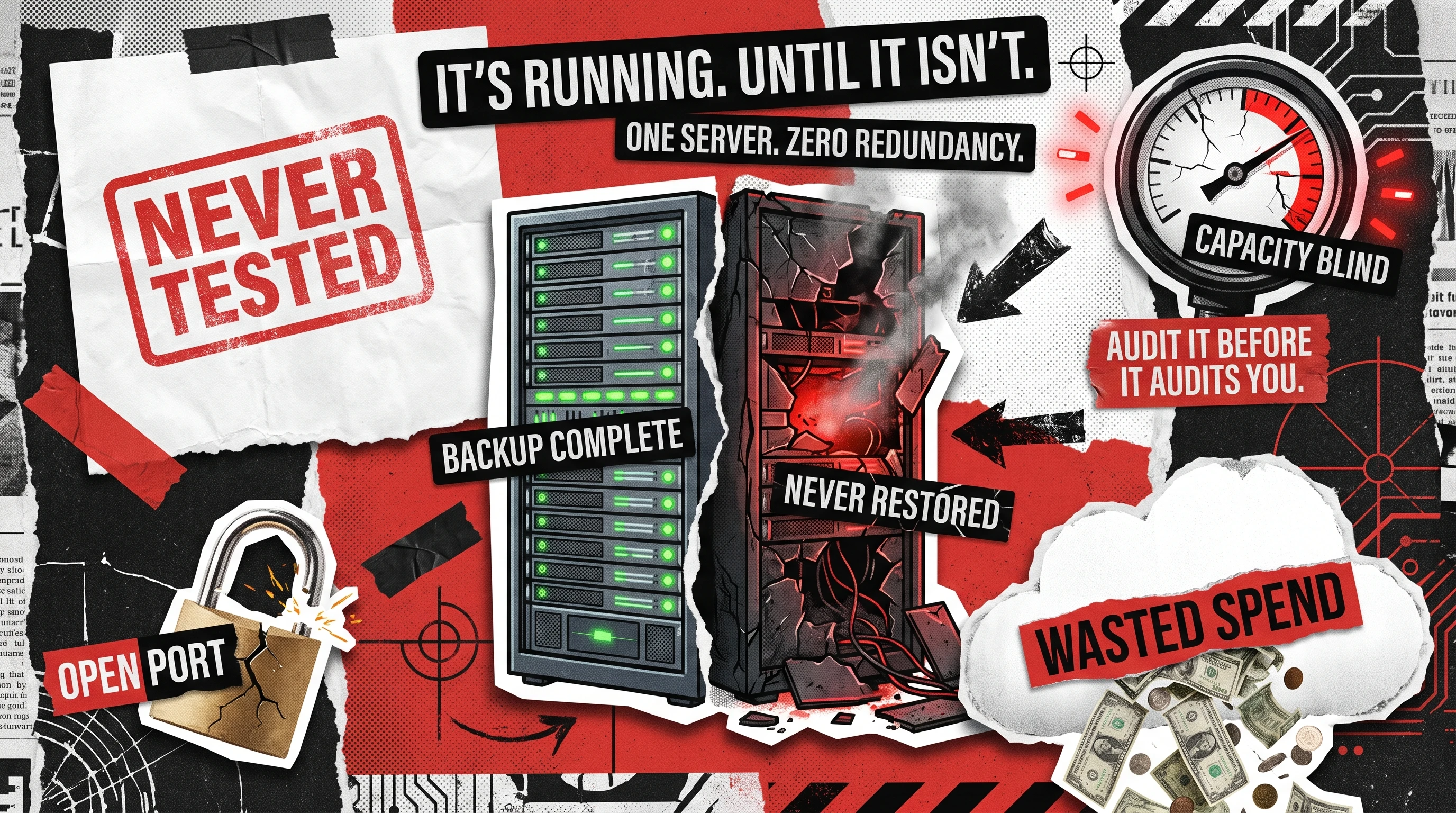
You can usually feel an infrastructure problem before you can name it. Deploys get slower, the cloud bill creeps up with no new users to explain it, and one engineer becomes the only person who knows how the production database gets restored. The question underneath all of it is simple: is this setup safe and ready to grow, or one bad night from a serious outage?
An infrastructure audit is a structured review of every system your software runs on: hosting, databases, deployment pipelines, backups, networking, security, and cloud spend, measured against how it should perform, so what will fail, cost too much, or refuse to scale surfaces before it becomes downtime, a breach, or an unbudgeted bill.
This guide covers what a thorough review checks, the failures it prevents, and the repeatable process behind it, drawn from running this both as a standalone software audit and as the first phase of larger rescue engagements.
What an IT Infrastructure Audit Actually Covers
The scope sits one layer beneath a code review. A code review asks whether the application is written well, while this one asks whether the ground it stands on is solid: the servers, the network, the data stores, and the money flowing through all of it. A good review is evidence-based rather than opinion-based, so every finding points to a config file, a dashboard metric, or a missing control, and two engineers looking at the same system reach the same conclusion.
It also produces a prioritized list, since knowing ninety things could be better matters less than knowing which five will hurt you first.
Failures IT Infrastructure Audit Prevents
Most serious incidents are ordinary gaps that sat visible for months until they took production down at the worst time. A review catches these while they are still cheap paperwork, not a crisis. The recurring failure modes include:
- Single points of failure, where one server or one person’s laptop is the only thing standing between you and an outage.
- Silent backup rot, where backups run green every night but have never been restored, so nobody knows they are unusable until needed.
- Configuration drift, which the Uptime Institute’s Annual Outage Analysis 2025 ties to human error in nearly 40% of organizations with a major outage over the past three years, mostly staff not following procedure.
- Capacity blindness, where the system has never been tested at the traffic level next quarter’s growth plan assumes.
Catching these early is the difference between a Tuesday ticket and a weekend war room, and it costs far less on a calm day than mid-incident.

What to Check: The Infrastructure Audit Scope
The fastest way to keep a review honest is to work from a fixed scope, so nothing gets skipped for being boring. The table below is the summary map; the subsections after it explain what “good” looks like in each layer.
Hosting and servers
Redundancy, patch level, resource headroom
One un-replicated instance carrying production
Databases
Indexing, replication, connection limits, growth curve
Nightly backups that have never been restore-tested
Deployment and CI/CD
Automation, rollback, secrets handling
Manual, undocumented, one-person deploys
Infrastructure as code
Coverage, drift, version control
Servers configured by hand, no source of truth
Backups and disaster recovery
Defined RPO and RTO, tested restores
No agreed recovery time objective at all
Cost footprint
Idle resources, right-sizing, tagging
Bill growing faster than active users
Hosting and Servers
Start with what everything else runs on: whether any single machine failing takes the whole product down, whether the OS and runtimes are patched to a supported version, and whether there is enough CPU, memory, and disk headroom to absorb a traffic spike rather than tip over during one. A server at 90% memory on a calm afternoon has no room left for a busy morning, and an expired SSL certificate remains one of the most common, most preventable self-inflicted outages.
Databases
The database is usually where a growth story quietly becomes a reliability story. Review indexing on the queries that actually run in production, whether replication and failover exist, and how fast the data is growing relative to the disk it lives on. A query returning in twenty milliseconds at 10,000 rows can crawl to two seconds at ten million, and that curve stays invisible until a user hits it.
Slow queries and missing indexes are the two findings that show up in almost every database review, and both are cheap to fix once someone names them.
Deployment Pipelines and CI/CD
A release process is safe when a new engineer can ship in their first week and roll back in under a minute, and risky when only one person knows the sequence by heart. The review checks whether builds and deploys are automated, whether a real rollback path exists, and whether secrets are injected securely rather than pasted into scripts. Aligning this stage with established SDLC best practices is often the highest-leverage change a mid-market team can make.
Manual deploys add risk on top of lost time: fatigue and typos during a manual sequence are what turn a routine Friday push into an unplanned outage.
Infrastructure as Code
Infrastructure as code means servers, networks, and policies are defined in version-controlled files rather than assembled by hand in a console. The audit checks how much of the environment is captured this way, and whether the running systems have drifted from what those files describe. Hand-built infrastructure is like a house with no blueprints, workable until someone leaves and nobody can rebuild it the same way twice. The practical test: if a region went dark, could you recreate the environment from the repository, or would you be reconstructing it from memory under pressure?
Backups and Disaster Recovery
Backups are only real once they have been restored. This part of the review confirms two numbers are agreed: the recovery point objective, how much data you can afford to lose, and the recovery time objective, how long you can afford to be down, then verifies both with an actual test restore. A backup you have never restored is a hope, not a plan.
Treat it the way you treat insurance: you do not want to discover the policy has a hole in it on the day of the fire.
Cost Footprint
Money is a reliability signal as much as a finance concern, since waste usually means resources are provisioned without anyone watching. The review hunts for idle instances, oversized machines, and untagged resources that make it impossible to tell which team is spending what. Harness projected in its FinOps in Focus 2025 report that roughly $44.5 billion of cloud infrastructure spend would be wasted in 2025 on underused resources alone.
The tell to watch for: a bill growing faster than your active users, which almost always means you are paying for capacity nobody uses.
Network and Security Checks Inside the Audit
Reliability and security overlap so heavily that a serious review treats them as one pass, and some teams commission this portion on its own as a network infrastructure and security audit when compliance or a customer contract demands it. The stakes are concrete: IBM‘s Cost of a Data Breach Report 2025 put the global average cost of a breach at $4.4 million, a rare year-over-year drop driven by faster identification and containment.
Firewall Rules
Firewall rules accumulate like junk in a drawer, added fast during an incident and rarely removed once it passes. The review reads the actual rule set and flags anything overly permissive, especially rules exposing management ports or databases to the open internet. A firewall that allows everything is a bouncer waving the whole street inside, which is worse than no bouncer at all because it creates a false sense of safety.
Segmentation, VLANs, and Least Privilege
Flat networks are convenient and dangerous, since once an attacker is inside one, they can reach everything. Good segmentation limits the blast radius so a compromise in one zone cannot spread to the rest. This part of the review typically checks:
- Whether production, staging, and internal tooling sit on separate segments or VLANs rather than one flat space.
- Whether services can reach only the specific systems they need, following least privilege over convenience.
- Whether internal traffic is encrypted, not just traffic facing the public internet.
Access Controls and MFA
The last check is who can get in, and how hard it would be to impersonate them. Review whether multi-factor authentication is enforced on every admin account, whether access is granted by role rather than handed out permanently, and whether former employees and stale service accounts have actually been deprovisioned. Orphaned admin accounts are one of the quietest risks in any environment, since they carry full privileges and nobody is watching them.
Cloud Infrastructure
Cloud environments deserve their own pass, since their failure modes differ from a rack of physical servers. The review examines identity and access management policies, auto-scaling, the split between reserved and on-demand pricing, and whether managed services are used where they would cut operational load. The cloud makes resilience and cost efficiency possible without guaranteeing either, and the audit measures which one your setup actually delivers.
A common finding is a lift-and-shift that copied on-premises habits into the cloud, so the company pays cloud prices for a design that never adopted cloud advantages like elasticity or managed databases. Untangling that is exactly the work a dedicated DevOps consulting engagement addresses, since the fixes span cost, reliability, and the deployment pipeline together.
How to Run an IT Infrastructure Audit, Step by Step
Knowing how to audit IT infrastructure comes down to a repeatable sequence.
- Set the scope and the standard. Decide which systems are in scope and what “good” means for each, against agreed targets, not personal taste.
- Inspect everything. Build a real map of servers and dependencies, since you cannot audit what you have not written down.
- Gather evidence. Pull config files, access logs, and cost reports so every conclusion rests on an artifact.
- Test the claims. Run a restore, trigger a rollback, and load-test a critical path, since assumptions about resilience are worthless until exercised.
- Rank findings by risk and effort. Sort what will hurt soonest from what is a slow burn, the discipline used when auditing the software development process.
- Deliver a report with owners and dates. A finding without an owner and a deadline is a note, not a fix.
Testing before inventory means testing the wrong things, and reporting before ranking leaves the team with no starting point.
How Often Should You Run the Audit?
There is no single correct cadence, since it depends on how fast you are changing. A workable rule: stable systems get a light quarterly check and a full annual review, while any major change earns its own targeted pass.
Quarterly
Light check on cost, access, patch level
Catches drift before it compounds
Annually
Full end-to-end review
Resets the baseline across every layer
Before a scaling event
Capacity, database, auto-scaling
Confirms the system survives planned growth
After a major incident
Root cause plus adjacent risks
Fixes the class of problem, not just the symptom
Before funding or acquisition
Full review with security emphasis
Technical due diligence expects evidence
The most common mistake is treating the audit as a cleanup rather than a habit. Skip a cycle and the environment drifts back to where it started within a year.
What the Audit Report Contains
The deliverable is where the work becomes useful, and a weak report is why many audits change nothing. A strong one is specific enough that an engineer can act on it with no follow-up meeting. At minimum it contains:
- An executive summary in plain language, so a non-technical decision-maker sees the top risks and recommended spend on one page.
- A prioritized findings list, each item rated by risk and effort to fix.
- Evidence for every finding, a config snippet, a metric, or a cost breakdown.
- A remediation roadmap with owners and rough timelines.
- A retest plan, since a finding is only closed once someone verifies the fix.
A hundred equal-weight warnings tell the reader nothing about where to start, and teams handed a report like that tend to act on none of it.
Make the Audit a Habit
The systems your product runs on rarely fail loudly at first. They drift, accumulate small compromises, and concentrate knowledge in one or two people, until an ordinary Tuesday turns into an outage, an oversized bill, or a breach that takes months to contain. A disciplined review turns those quiet risks into a short, ranked list of things you can actually fix.
Teams that treat this as a recurring habit rather than a one-time scramble scale without drama, because they find the weak spot before their users do. If you want a senior team that has run this exact exercise across real production systems to run it or support yours, contact us and we will scope it with you.
See how we audited Adoorabelle's codebase, surfaced 80 hidden issues, and cut $3,600/year in infrastructure costs

FAQ
What's the difference between an infrastructure audit and a security audit?
An infrastructure review looks at the whole foundation your software runs on, including reliability, backups, cost, and networking, treating security as one part of that picture. A security audit narrows in on threats and controls, often against a formal standard such as SOC 2 or ISO 27001. The two overlap heavily, since an insecure system is rarely reliable, and an unreliable one is rarely secure.
Who should perform an IT infrastructure audit, internal team or external vendor?
An internal team knows the history and can run cheap, frequent checks, which suits quarterly reviews. An external vendor brings a fresh set of eyes and the willingness to flag problems insiders have learned to live with, which is why the deeper annual review usually benefits from outside help. The strongest setup blends both.
How long does an IT infrastructure audit take?
A focused review of a small, single-cloud environment typically takes one to two weeks. A full review of a larger estate with multiple services and compliance requirements runs three to six weeks, depending on how much documentation already exists.
