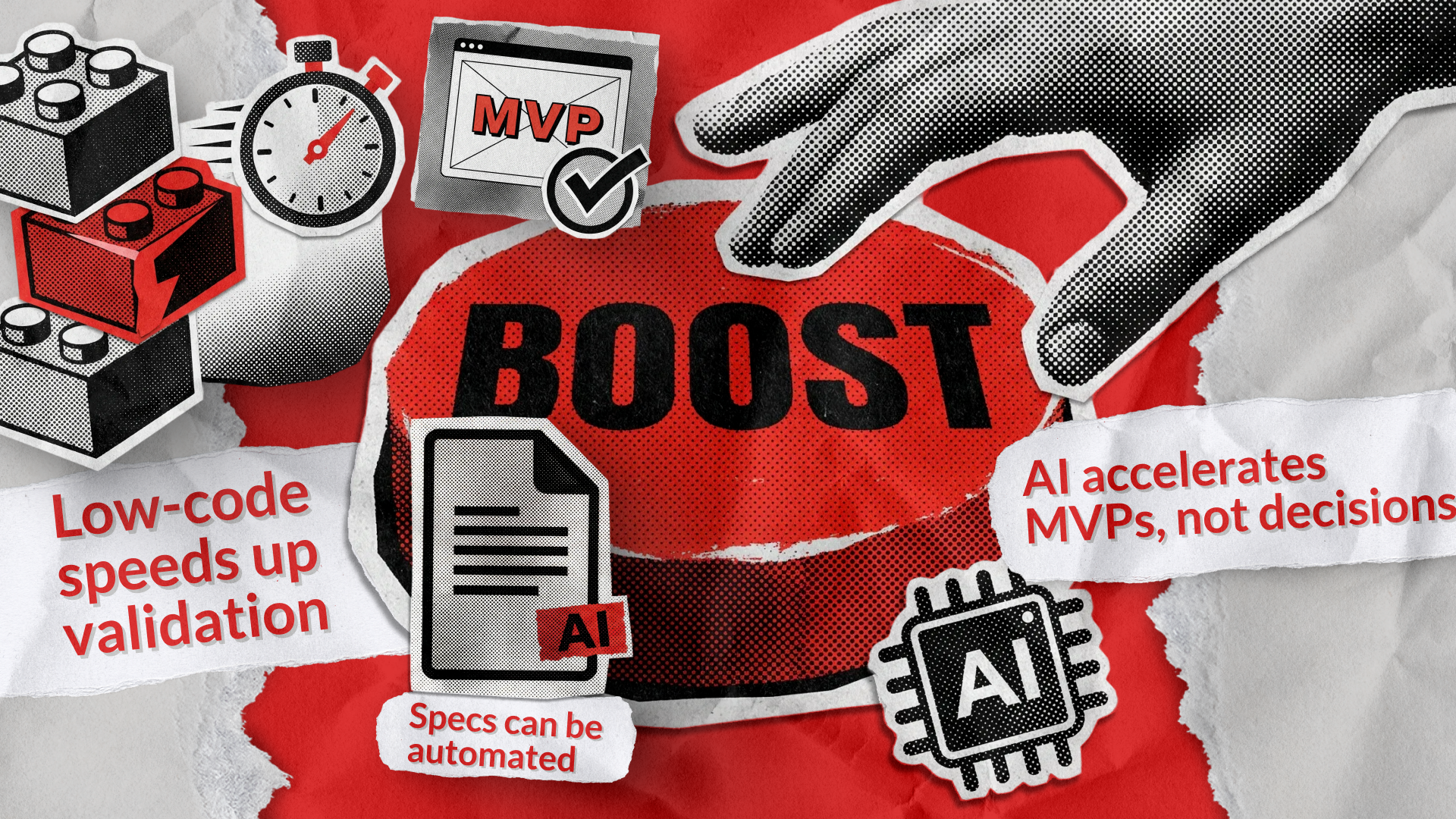
Building an MVP used to be a battlefield of spreadsheets, sleepless nights, and endless iterative calls. But in recent years, the game flipped. AI, low-code, and no-code tools reshaped how founders and teams turn ideas into market-ready products — faster, cheaper, and smarter than ever. The new question isn’t “Can we build it?” but “How fast can we validate it?”
Today, MVP development with AI is all about acceleration and intelligence. We’re moving past sticky notes and wireframing toward automated specifications with AI, AI-assisted prototyping, and predictive design. Give AI your idea; it’ll map the specs, generate wireframes, maybe even run market tests before your first sprint. Too good to be true? Let’s check the data.
A 2025 World Economic Forum report shows 82% of companies now adopt AI for reinventing value chains, while those implementing genAI tools boast a 2.4x boost in productivity and save up to 13% in operational costs. So yes, the hype stands on solid ground.
At Redwerk, we see great potential in AI-assisted development, especially when done right. Since 2005, we’ve built up deep expertise and are uniquely positioned to guide you through MVP development with AI, helping you avoid common pitfalls along the way.
AI MVP Development: The New Paradigm
MVP development with AI is not meant to replace developers. It actually helps them get more done. Statista reports that 82% of developers use AI tools to write code. If developers rely on these tools, why shouldn’t non-technical founders use them too?
AI-driven MVP development is transforming product strategy and rapid prototyping through:
- Automated customer research powered by natural language processing that cuts analysis time by 70%.
- AI prototyping tools are generating entire interface logic from plain English prompts.
- Predictive analytics engines validating product–market fit before any serious coding happens.
When AI-led design models can foresee usability bottlenecks and self-healing codebases fix bugs pre-release, you know the definition of “minimum viable” just changed forever.
Two Ways to Build a No-Code MVP: AI or Visual Builders
If you run a startup, you know it can be easier to find investors than developers. That’s why low-code and no-code MVP development is growing fast. Recent research shows that about 84% of businesses now use these platforms to fill the developer gap and speed up digital transformation.
Today, there are two main ways to build an MVP, and each one is based on a different idea. On one side, you have the established low-code/no-code (LC/NC) platforms — visual, drag-and-drop builders that let you assemble your app like digital LEGOs. You’re building MVP with no code. On the other hand, you have the new wave of AI-powered MVP development, where you simply describe your app in natural language and let the AI generate it for you.
Both options offer speed and give users more control, but the way they work and who they suit best are quite different. Here’s a comparison.
Core Interface
Text prompts & conversation
Visual, drag-and-drop interface
Development Process
Generative: the AI generates the app (code, UI, logic)
Constructive: you build the app piece by piece manually
Target User
Non-technical founders who think in terms of features
Non-technical “citizen developers” who think visually and spatially
Required Skillset
Strong prompt engineering
Visual logic & UI/UX design
Learning Curve
Very low to start
Low to medium: you must learn the platform’s specific interface, logic, and database structure
Speed to First Draft
Extremely fast: you can go from a blank page to a functional app in minutes
Fast: it takes time to learn the builder and assemble the pieces
Flexibility & Control
Emergent but unpredictable. You can ask for anything, but you are limited by what the AI can understand and generate correctly
Defined and predictable. You are strictly limited by the platform’s pre-built features, but you have 100% control within those boundaries
Tools
Lovable, Replit, Alloy.app, Cursor, Bolt AI Builder
Bubble, Webflow, Softr, Adalo, Glide
Four Steps to Successful MVP Development with AI
Building an MVP with AI as your co-pilot can dramatically accelerate your time to market and help you make smarter decisions. AI shifts from being just a tool to becoming a “team member”, such as your virtual analyst, your junior developer, and your copywriter, all rolled into one.
Here is a step-by-step process for building an MVP with AI, complete with best practices and common pitfalls.
Step 1: Use AI as Your Product Manager
It’s tempting to jump in and start building. Before you do, create a solid blueprint. Use a generative AI tool (like ChatGPT, Claude, or Gemini) as your brainstorming partner.
Ask AI to help you:
- Refine Your Idea: “My app idea is for a mobile app that helps amateur gardeners identify plant diseases by taking a photo; what are the core features for an MVP?”
- Define Your Audience: “Who is the target user for a hyper-local app that matches neighbors for dog-walking swaps, and can you create 3-5 user personas for me?”
- Analyze the Market: “Who are the main competitors for an AI-powered app that summarizes academic papers, and what features do they have or are they missing?”
You’ll come out of this step with a clear document outlining what your app needs to do, for whom, and why.
Common Mistakes
- Falling in love with your solution before finding a problem. (e.g., “I want to build a cool AI chatbot, now what problem can it solve?”)
- Believing that AI will find you a million-dollar idea.
- Using AI-generated personas as fact without talking to real people.
What to Do Instead
Use AI for augmentation, not delegation. Generate 10 ideas with AI, then you must talk to 20 real potential customers to validate the problem. Your goal isn’t to ask “Would you buy this?” but “Tell me about the last time you…”
Focus AI’s power on analyzing qualitative data. Feed it your interview transcripts and ask, “What are the common themes and unstated frustrations in this feedback?”
Step 2: Scoping & Feature Prioritization
What is the absolute minimum set of features needed to solve the core problem for your first users? Define a tiny, focused product that delivers on one core promise.
How AI helps:
- User Story Generation: Feed your validated problem and persona to an LLM. Ask it to generate user stories (e.g., “Write 10 user stories for a meal-planning app that focuses on reducing food waste.”)
- Feature Prioritization: List all your potential features and ask AI to help you prioritize them using a framework like RICE (Reach, Impact, Confidence, Effort) or MoSCoW (Must have, Should have, Could have, Won’t have).
- Tech Stack Suggestions: Describe your MVP’s goals, and ask AI to recommend a suitable, scalable, and fast-to-implement tech stack.
Using AI makes planning much faster, but this effortlessness is exactly what causes the biggest problems.
Common Mistakes
- Scope creep. Adding “just one more feature” because AI makes it seem easy to build.
- Assuming that AI can design your entire product architecture perfectly.
- Making the MVP an AI-first product when the AI isn’t the core value. Don’t add an AI chatbot just to say you have AI.
What to Do Instead
Define your one key metric for success. Every feature must directly contribute to moving that metric. If it doesn’t, it’s not part of the MVP.
Use AI to brainstorm options, but make final decisions yourself. AI can suggest how to build, but you must define what and why.
Step 3: Development & Prototyping
Now it’s time to build. AI can speed up this phase, but you’ll need some new skills. The way you give instructions to AI affects your app’s quality, so learning how to write good prompts is important.
At this stage, aim to build a working product that users can try, even if it’s not perfect.
How AI helps:
- Code Generation: Try tools like GitHub Copilot, Cursor, or Codex to help you write code. They can handle basic code, create functions, write tests, and explain tricky code. If you’re not technical, use beginner-friendly tools like Lovable.
- UI/UX Design: Use AI design tools like Uizard or v0.app to quickly create wireframes or detailed mockups from simple text instructions.
- Content & Copy: Let AI help you write your UI text, placeholder content, FAQs, and even your “Coming Soon” page.
- Debugging: If you get error messages or notice something odd in your code, paste it into an AI tool and ask for help finding and fixing the problem.
These tools are powerful assistants, but treating them as infallible experts is the fastest route to failure.
Common Mistakes
- Expecting that AI will write the entire application for you and that you don’t need a technical co-founder or a software development agency.
- Blindly trusting AI-generated code. This is the #1 pitfall. AI code can be buggy, inefficient, or insecure.
- Spending weeks perfecting the design.
What to Do Instead
Think of yourself as the senior developer checking the AI’s code, like you would review a junior developer’s work. You’re in charge of the design and quality. If you’re not very technical, ask professionals for help. At Redwerk, we offer professional code review services.
Let AI handle the core components of your app, such as user authentication, database setup, and basic UI. This way, you can focus your own effort on the unique features that make your product stand out.
Step 4: Launch & Feedback Loop
Your MVP is finished when your first user tries it. That’s when the real work starts: learning from your users. Get qualitative and quantitative feedback to validate or invalidate your core hypothesis.
How AI helps:
- Feedback Analysis: Feed all your user feedback (from emails, surveys, session recordings, app store reviews) into an LLM. Ask: “Summarize the top 3 friction points and the top 3 most-loved features from this feedback.”
- Sentiment Analysis: Quickly gauge if the reaction to your launch is positive, negative, or neutral.
- Marketing & Outreach: Have AI draft your launch announcement, emails to your waitlist, and social media posts.
- Iteration Planning: Based on the feedback analysis, ask AI to help you draft the next set of user stories for your first sprint.
Common Mistakes
- Launching your MVP without any analytics or feedback tools in place.
- Having this mindset, “If I build it, they will come.” (They won’t.)
- Ignoring negative feedback and only focusing on the positive.
What to Do Instead
The goal of the MVP is not to make money; it’s to learn. Your primary job post-launch is to talk to every single user.
Use AI to speed up your Build-Measure-Learn cycle. AI can quickly distill a lot of feedback into a few clear insights. This helps you build, measure, and learn faster than ever.
When you use AI as a partner, you save time and money. This lets you spend more of your energy on what matters most: talking to users and building a product they love.
From Manual to Automated Specifications
Whatever you’re building, technical specifications are the single most important document. They ensure that product managers, designers, and engineers are all building the same thing. A good spec prevents misunderstandings, reduces bugs, and saves countless hours of wasted work.
Remember when MVP documentation took weeks? Now, automated specification tools driven by AI crunch raw concepts into structured requirements, be it user stories, flowcharts, or architecture blueprints within hours.
Here are some benefits of using automated specifications:
- Consistency: Product and development teams stay aligned, so specs don’t get mixed up.
- Time savings: Teams spend much less time on planning.
- Scalable versioning: Specs update automatically as the product changes.
How AI helps with specs:
- Automated Document Generation: Tools like ClickUp’s AI Technical Specifications Doc Generator can automate the creation of these documents. By interpreting natural language prompts, they can scan existing project tasks and notes to compile a detailed draft, map out dependencies, and even help keep the documentation updated as the project changes.
- Spec-Driven Development: This is the next evolution. Instead of a static document, tools like GitHub’s Spec Kit (an open-source toolkit) turn the spec into an “executable artifact.” You first use AI to define the what and why (the spec), then the how (the technical plan). The AI then uses this approved plan as its single source of truth to generate the code, tests, and tasks, ensuring the final product is built exactly as intended.
The Human Element in AI MVP Development
AI tools are easy to get, but building a scalable MVP takes more than just using them. Copilot is accessible to all, but creating a system ready for real-world use requires expertise. That’s where our product development services give you an edge.
AI Is a Co-pilot, Not the Pilot
AI is a great tool, but it is not a developer. While AI can speed up the process, it does not understand your long-term business goals, handle complex architecture, or ensure your app is secure. We offer the human oversight needed to use AI safely, making sure your code is not only functional, but also secure, easy to maintain, and matches your future plans.
Code Cleanup and Foundation Building
If you rely too much on generative AI, you might get “franken-code” — pieces that work alone but don’t fit together well. AI-generated code is a good starting point, but building a strong foundation takes an expert. At Redwerk, we clean up AI code, standardize syntax, improve performance, and make sure everything fits into a solid architecture.
Strategic Expertise
The “V” in MVP means viable. You need more than good code — you need a product that works for your business. At Redwerk, we not only write and review code; we bring business know-how and strategy. We make sure the features we build support your revenue goals and real market needs. Our project managers think like product owners, so your MVP is ready to grow once you find product-market fit.
Effective Prompt Engineering
Getting quality code quickly depends on good prompt engineering. The instructions you give the AI are just as important as the tools you use. Our team knows how to work with these models, understands their limits, and can shape requests to get secure and useful code.
Takeways
The numbers speak for themselves: AI MVP development is the current benchmark for lean, data-driven innovation. Fueled by AI automation, low-code, and no-code platforms, MVP cycles have shortened from months to weeks, while operational costs have dropped by up to 85%. Most founders now validate products faster, make informed iterations, and scale smarter — all before competitors finish drafting specs.
The future of MVP development belongs to agility and intelligence. Teams that combine AI-driven tools with low-code ecosystems consistently deliver faster validation, leaner builds, and market-ready scalability. If you’re ready to boost your next product concept with real innovation, contact us — your next AI-powered MVP could take shape this week.
See how we built
an AI-powered recruitment app
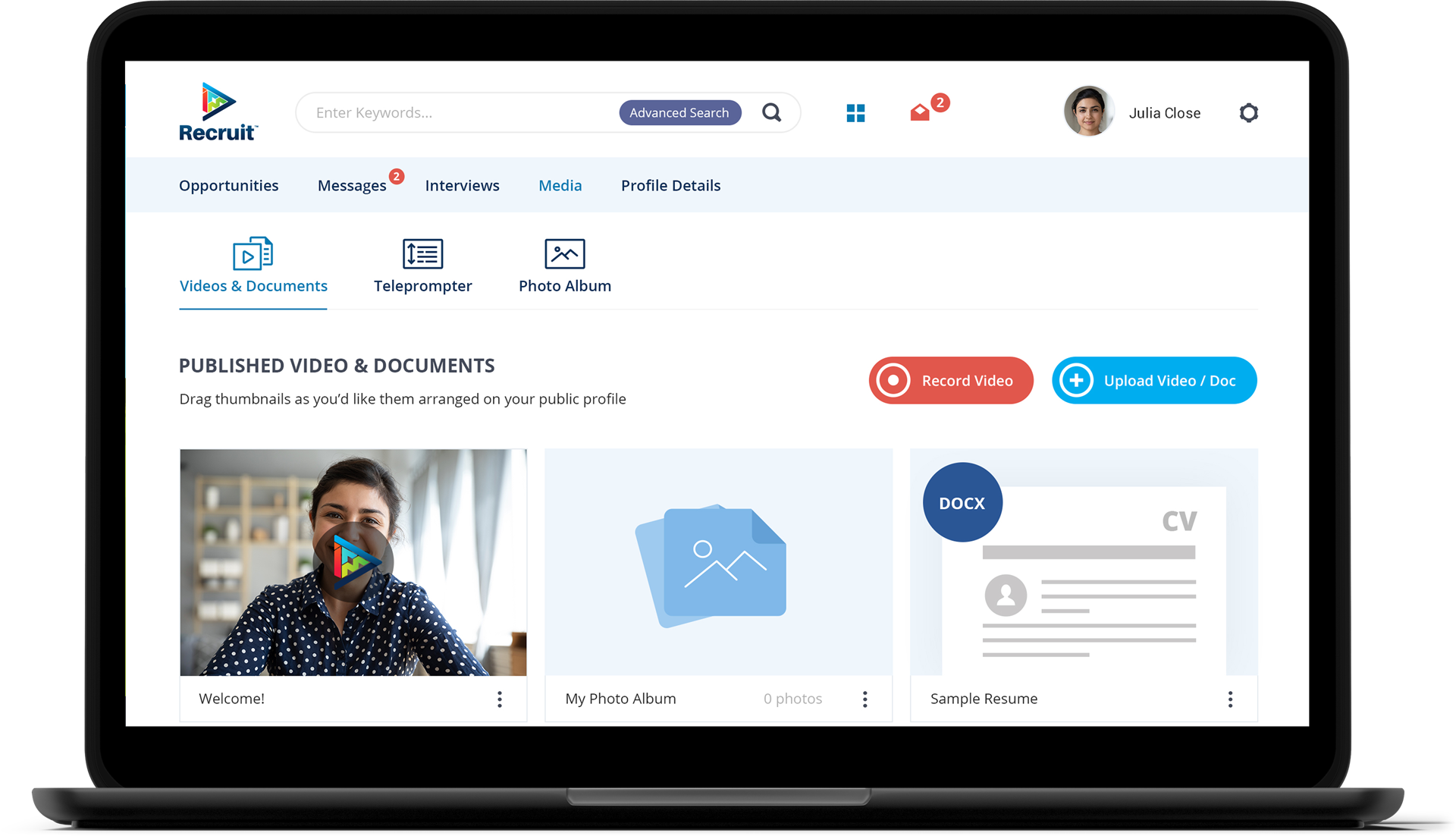
acquired by a US staffing giant