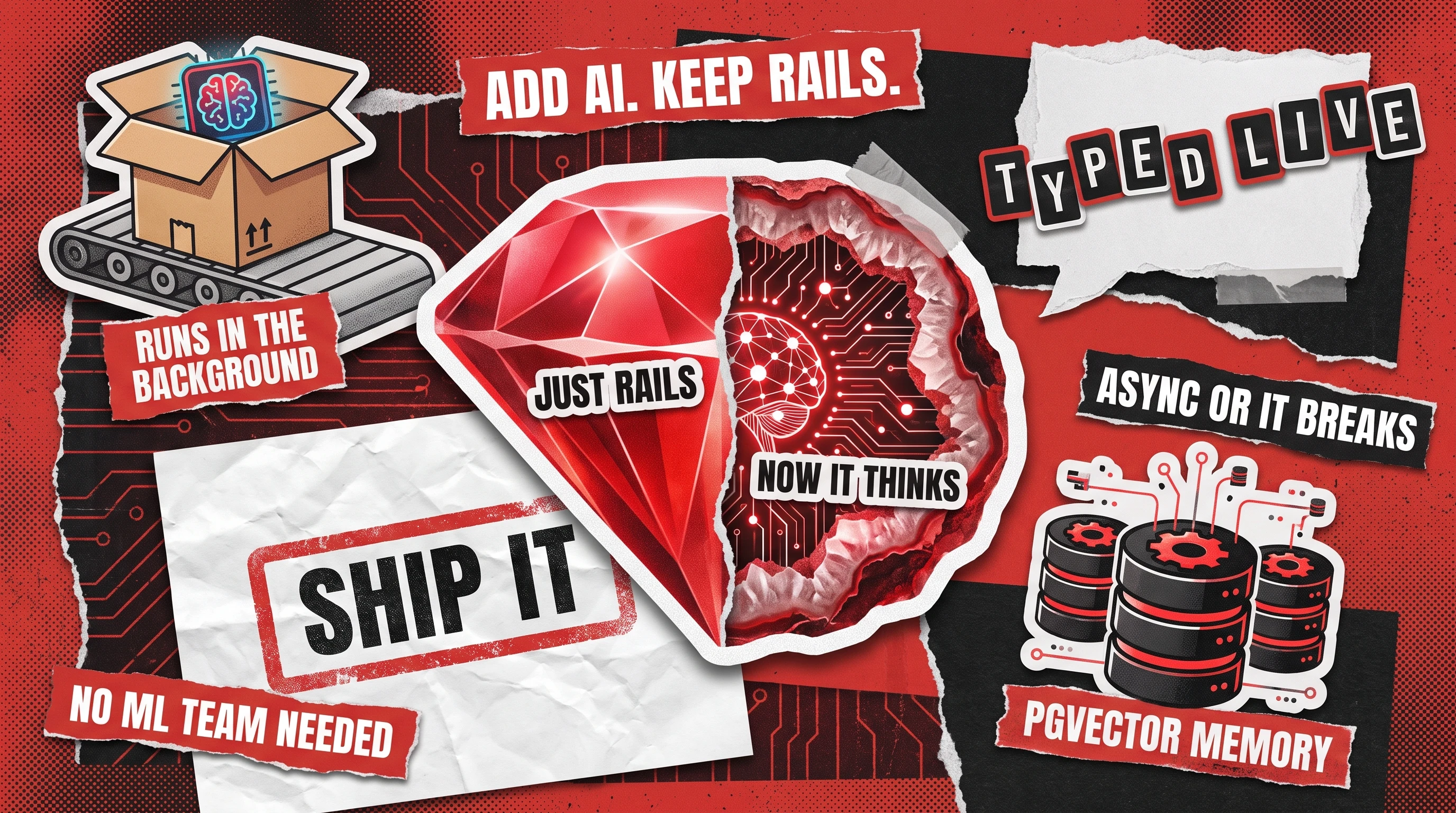
Adding AI features to a Ruby on Rails app in 2026 typically means calling an external LLM API (OpenAI, Anthropic, or Gemini) from a Rails service object, then routing the inference work through Sidekiq or Solid Queue so your web process stays fast. A basic integration takes one to two days of engineering time. A production-grade setup with RAG, streaming, and proper error handling takes two to four weeks.
If you already run a Rails monolith, you do not need to rewrite it in Python to ship AI. Rails handles the parts AI cannot: authentication, billing, admin dashboards, background jobs, and the database layer that feeds context to the model. The real question is which integration pattern fits your product, and where the failure modes hide.
This guide walks through five patterns we use in production Rails apps, from a simple LLM wrapper to full agent orchestration. Each section includes the gems, the gotchas, and the honest trade-offs so you can pick the right approach without over-engineering it.
Why Rails Is a Strong Fit for AI Features
Most AI features in 2026 do not require training models. They require calling an inference API, managing prompts, handling retries, and storing results. Rails already excels at exactly this kind of plumbing.
Active Record gives you a mature ORM for storing embeddings, conversation history, and user context. Sidekiq and Solid Queue handle background inference jobs that would otherwise block your web workers. ActionCable and Turbo Streams deliver real-time streaming output without a separate WebSocket server.
The Ruby ecosystem has caught up fast. The ruby-openai gem covers OpenAI and Azure OpenAI. RubyLLM provides a unified interface across OpenAI, Anthropic, Gemini, and dozens of other providers. Langchain.rb brings RAG pipelines, tool calling, and agent patterns to Ruby.
For teams already running a Rails monolith, the cost of adding an AI feature inside the existing app is a fraction of spinning up a separate Python microservice, maintaining a second deployment pipeline, and managing cross-service authentication. One of our clients, a mid-market SaaS with a 200,000-line Rails codebase, added AI-powered document summarization in 11 days without touching their deployment architecture. The same scope with a Python sidecar would have taken closer to six weeks.
5 Integration Patterns for Adding AI to Rails
Not every AI feature needs the same architecture. A chatbot, a document classifier, and an AI-powered search system each call for a different integration depth. Here are the five patterns we use, ordered from simplest to most complex.
Pattern 1: LLM API Wrapper
The simplest pattern. Wrap an LLM API call in a plain Ruby service object and call it from a controller or background job.
This works well for single-turn tasks: summarizing a support ticket, classifying an email, generating a product description, or rewriting text to match a brand voice. The request goes out, the response comes back, and you store the result.
Best gems: ruby-openai for OpenAI and Azure OpenAI, ruby_llm for multi-provider support (OpenAI, Anthropic, Gemini, DeepSeek), or anthropic for Claude-specific features like extended thinking.
Key gotcha: LLM API calls take 2 to 30 seconds. Never call them inline in a web request unless you are streaming the response (see Pattern 4). Even a 3-second call will eat a Puma thread for the full duration.
# app/services/ai/summarizer.rb
class Ai::Summarizer
  def initialize(client: OpenAI::Client.new)
    @client = client
  end

  def call(text, max_words: 100)
    response = @client.chat(
      parameters: {
        model: "gpt-4.1-mini",
        messages: [
          { role: "system", content: "Summarize in #{max_words} words or fewer." },
          { role: "user", content: text }
        ],
        temperature: 0.3
      }
    )
    response.dig("choices", 0, "message", "content")
  end
end
Pattern 2: Background AI Jobs
For any AI call that does not need a synchronous response, move it to a background job. This is the right default for batch processing, document analysis, scoring pipelines, and any feature where the user submits input and checks back later.
Best gems: Sidekiq (the battle-tested choice, Redis-backed) or Solid Queue (Rails 8 default, database-backed, zero external dependencies).
Structure the job to be idempotent. LLM APIs have transient failures, rate limits, and occasional timeouts. Your job should retry cleanly without producing duplicate results. Store the raw API response alongside the parsed output so you can debug without re-running the call.
Production tip: Set a dedicated queue for AI jobs with its own concurrency limit. A sudden spike in AI requests should not starve your normal job queue. If you are on Sidekiq, a sidekiq.yml with :queues: [default, 5, ai_inference, 2] caps AI concurrency at 2 threads.
# app/jobs/ai/classify_ticket_job.rb
class Ai::ClassifyTicketJob < ApplicationJob
  queue_as :ai_inference
  retry_on Faraday::TimeoutError, wait: :polynomially_longer, attempts: 3

  def perform(ticket_id)
    ticket = SupportTicket.find(ticket_id)
    return if ticket.ai_classified?

    result = Ai::Classifier.new.call(ticket.body)
    ticket.update!(
      ai_category: result[:category],
      ai_priority: result[:priority],
      ai_confidence: result[:confidence],
      ai_raw_response: result[:raw]
    )
  end
end
Pattern 3: RAG with Embeddings and pgvector
Retrieval-Augmented Generation (RAG) is the pattern for when the AI needs to answer questions about your data, not general knowledge. You convert your documents into vector embeddings, store them in a vector database, and retrieve the most relevant chunks at query time to feed as context to the LLM.
For Rails apps on PostgreSQL, the pgvector extension is the natural choice. No new database to manage, no new deployment dependency. The neighbor gem by Andrew Kane integrates pgvector with Active Record, giving you nearest_neighbors scopes and automatic embedding storage.
Typical setup:
- Add pgvector to your PostgreSQL instance (
CREATE EXTENSION vector;) - Create an embeddings column on your model (
add_column :documents, :embedding, :vector, limit: 1536) - Generate embeddings on create/update via a background job (Pattern 2)
- At query time, embed the user question, find the nearest document chunks, and pass them as context to the LLM
Key gotcha: Embedding quality matters more than model choice. If your chunking strategy is wrong (too large, too small, or splitting mid-sentence), the best LLM will still give poor answers. Start with 500-token chunks with 50-token overlap and adjust based on retrieval quality.

Pattern 4: Streaming Responses
When users interact with a chatbot or any AI feature that generates long text, they expect to see output appear word by word, not wait 10 seconds for a blank screen to fill. Streaming solves this.
Rails gives you two native paths:
- ActionCable for WebSocket-based streaming (persistent connection, bi-directional)
- Turbo Streams for server-sent updates (simpler, works with Hotwire, no WebSocket setup)
Both ruby-openai and ruby_llm support streaming callbacks. You receive each token as it arrives from the API and broadcast it to the client channel. The user sees text appear in real time while the model is still generating.
Production tip: Buffer tokens into small batches (5 to 10 tokens) before broadcasting. Sending every single token as its own ActionCable broadcast creates unnecessary overhead. Also, always set a streaming timeout. If the API stalls mid-stream, your channel should close gracefully after 30 to 60 seconds of silence.
Pattern 5: AI Agent Orchestration
The most complex pattern. An AI agent is an LLM that can reason about a multi-step task, call external tools (APIs, database queries, web searches), evaluate intermediate results, and decide what to do next. Think of it as the difference between a calculator and an accountant.
Best gems: Langchain.rb provides the full agent/tool/chain abstraction. RubyLLM supports tool calling natively across providers. For simpler flows, Raix offers a lightweight orchestration layer.
Use cases that justify agents in Rails:
- A customer support bot that can look up orders, check shipping status, and initiate refunds
- A data analysis pipeline that queries your database, generates charts, and writes a summary report
- An onboarding assistant that walks new users through setup by calling your own API endpoints
Key gotcha: Agents are powerful but expensive and unpredictable. A single agent run can make 5 to 15 LLM calls, each with its own latency and cost. Always set a maximum iteration limit, log every tool call, and build a kill switch. Start with a hardcoded workflow (if/then logic with LLM calls at decision points) before graduating to a full autonomous agent.
How to Add AI Features to a Rails App: Comparison Table
Common Mistakes When Adding AI to Rails
Calling the LLM inline in a web request. This is the number one mistake. A single Puma thread is blocked for the entire duration of the API call. Under load, this starves your app of available threads and creates cascading timeouts. Use a background job for anything that does not need an immediate response, and stream the response via ActionCable or Turbo for anything that does.
Skipping error handling and retries. LLM APIs are not as reliable as a database query. Rate limits, 500 errors, malformed responses, and context-length overflows all happen in production. Wrap every call in structured error handling with exponential backoff. Store the raw response for debugging.
Hardcoding prompts. Prompts change constantly during development and after launch. Store them in a database table or a YAML config, not inline in your service objects. This lets you iterate on prompts without a deploy and A/B test different versions.
Ignoring cost until the bill arrives. An agent that makes 10 GPT-4.1 calls per user interaction can cost $0.50 per request. At 10,000 daily users, that is $5,000 per day. Monitor API spend per feature from day one. Use cheaper models (GPT-4.1-mini, Claude Haiku) for classification and routing, and reserve expensive models for generation.
Over-engineering the first version. You do not need RAG, agents, and streaming for your first AI feature. Start with Pattern 1 (a service object wrapping an API call). Ship it. Measure whether users actually engage with it. Then invest in the more complex patterns only where the data justifies it.
When Not to Add AI to Your Rails App
AI is not the right tool for every feature. Be honest about the trade-offs before committing engineering time.
Deterministic logic. If the task has clear rules (tax calculations, form validation, workflow routing based on known conditions), a regular Ruby method will be faster, cheaper, and more reliable than an LLM call. LLMs are probabilistic. They occasionally produce wrong answers even when the right answer is unambiguous.
Latency-sensitive paths. If the feature sits in a hot path (every page load, every API response), even a cached LLM call adds latency and a failure mode. Reserve AI for features where a 1 to 5 second response time is acceptable.
Compliance-heavy domains without guardrails. Healthcare, finance, and legal applications need auditable outputs. An LLM can assist a human reviewer, but should not make the final decision without a human in the loop and a clear audit trail.
The budget does not support it. If your app serves 100,000 requests per day and the AI feature fires on every one, model the API cost at realistic per-call pricing before building. A $0.01 call at 100,000 hits is $1,000 per day, $30,000 per month.
How Redwerk Approaches Rails AI Integration
Redwerk has shipped Ruby on Rails applications for nearly 20 years, and our team has been adding AI features to existing Rails codebases since LLM APIs became production-viable.
The pattern we see most often: a mid-market SaaS team has a mature Rails monolith, a backlog of AI feature requests from customers, and no in-house ML experience. They need engineers who already know Rails deeply enough to integrate AI without destabilizing the existing system.
That is the tech-match problem. You do not need an AI research team. You need senior Rails developers who also understand LLM integration patterns, prompt engineering, and the operational concerns (cost monitoring, rate limiting, fallback handling) that make AI features production-ready.
Our typical engagement starts with a one-week spike: we audit the existing codebase, identify the highest-value AI feature, pick the right integration pattern from the five above, and ship a working prototype. From there, we iterate based on real usage data, not assumptions.
If you are weighing whether to add AI features to your Rails app and want a team that already knows the stack, here is how Redwerk handles custom web development. For AI-specific builds, see our AI and ML development services.
Related reading: if you are evaluating your Rails codebase before adding new features, our Ruby on Rails code review checklist covers what to look for. For the gems we actually run in production Rails apps, see The Rails Gems We Actually Ship.
FAQ
Can Rails handle AI workloads in production?
Yes. Rails handles the application layer (auth, billing, data storage, background jobs) while the actual inference runs on external APIs (OpenAI, Anthropic, Gemini). The LLM provider handles the compute-heavy work. Rails orchestrates the workflow, manages retries, and delivers results to users. Companies running 200,000+ line Rails monoliths are shipping AI features in production today.
Which Ruby gems work best for LLM integration?
The top three are ruby-openai (mature, well-maintained, supports streaming and function calling), RubyLLM (multi-provider support for OpenAI, Anthropic, Gemini, and others with a unified API), and Langchain.rb (full RAG pipelines, agent patterns, and tool calling). For vector search, the neighbor gem integrates pgvector with Active Record. Pick ruby-openai if you are only using OpenAI, RubyLLM if you want provider flexibility.
How much does it cost to add AI features to an existing Rails app?
A basic LLM integration (Pattern 1 or 2) typically costs $5,000 to $15,000 in development time and takes one to two weeks. A production-grade RAG system or agent orchestration (Patterns 3 to 5) runs $20,000 to $60,000 and takes three to eight weeks. Ongoing API costs vary by usage: a low-traffic feature might cost $50 to $200 per month in API calls, while a high-traffic chatbot can reach $1,000 to $5,000 per month.
Do I need to rewrite my Rails app in Python for AI?
No. Most AI features call external APIs that are language-agnostic. Ruby has mature gems (ruby-openai, RubyLLM, Langchain.rb) that cover the same integration patterns Python libraries offer. The only scenario where Python is genuinely better is if you need to train or fine-tune custom models, which is a separate, specialized task that most production AI features do not require.
How long does a Rails AI integration take?
A simple LLM API wrapper takes 1 to 2 days. Adding background job processing takes 2 to 3 days. A RAG pipeline with pgvector takes 1 to 2 weeks. Streaming responses take 3 to 5 days. Full agent orchestration takes 2 to 4 weeks. These timelines assume an experienced Rails developer who knows the integration patterns. If the team is learning AI integration from scratch, multiply by 2 to 3x.
See how Muskelhirn cut recruitment operations time in half by digitizing the work humans couldn't scale.